
AI product photo prompt: exploded-view travel pouch
By Mazee.ai. Existing AI-generated example.
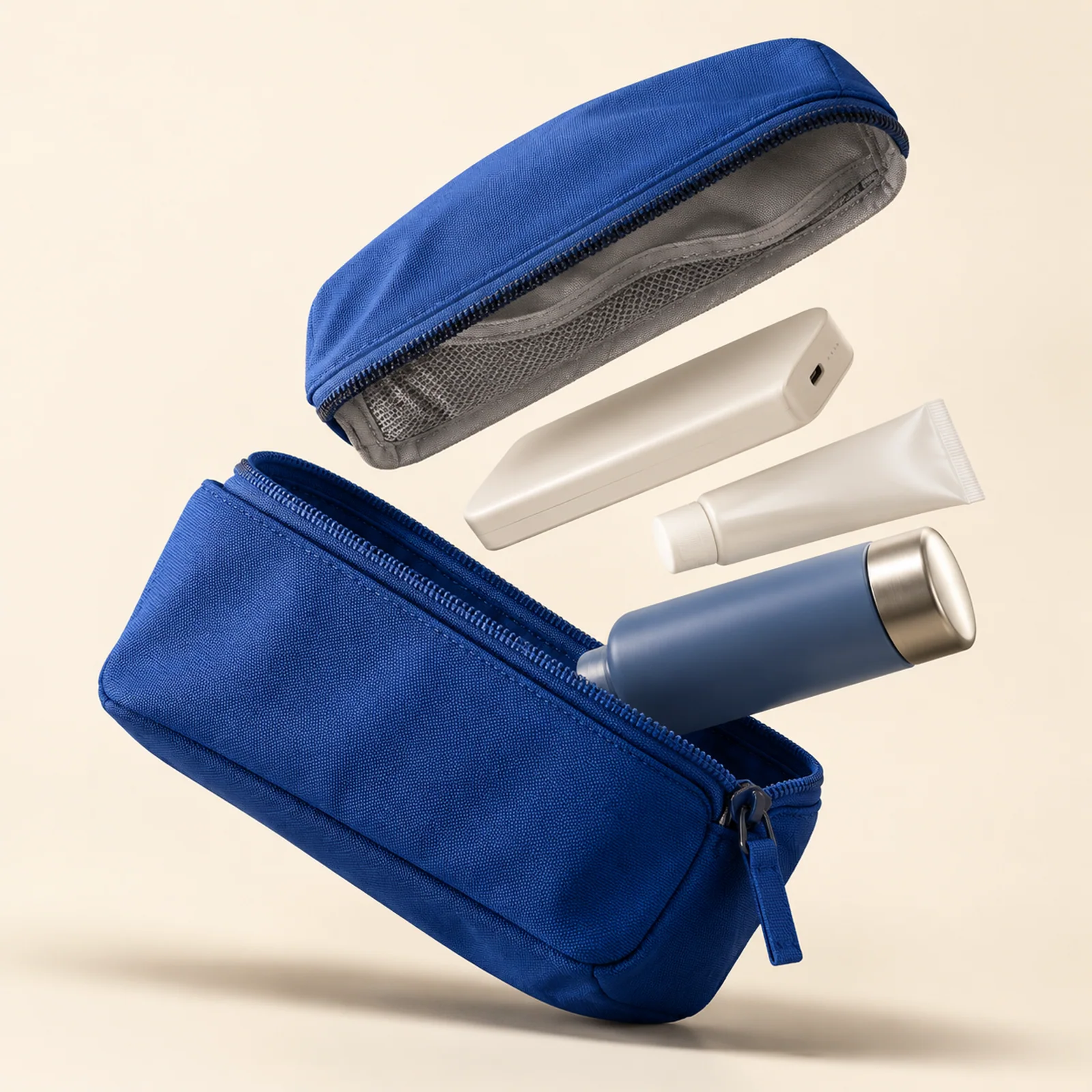
A blue zip pouch opens along a diagonal against an ivory background. See how the original GPT Image prompt separates the loose items while keeping the pouch recognizable.
Use this fictional product concept to plan an advertisement: make the pouch easy to recognize, separate the contents and reserve space for your offer.
Reading the prompt against the image
Its shell, zip, lining and three everyday objects
Look between the top and bottom pieces. The pale accessories and blue container each have a distinct silhouette, so the contents read separately from the fabric.
precise diagonal exploded arrangement
The eye travels from the upper lid to the open pouch. The shadow below the bag gives the floating parts a common reference point.
Original prompt
- Original model
- GPT Image 2.5 Flare
- Original resolution
- 2K
- Original ratio
- 1:1
Premium editorial product concept: a fictional cobalt-blue modular travel pouch suspended against warm ivory. Its shell, zip, lining and three everyday objects separate into a precise diagonal exploded arrangement, aligned to the same perspective. The main pouch fills sixty percent of the square composition. Sculpted softbox light, crisp fabric weave, grounded shadows, generous empty upper left for later copy. Plausible component count and construction. Unbranded concept, no lettering or watermark.Use it in your own project
- Open the original template below and review its prompt and preset. The image is an existing result; previewing it does not start a new generation.
- In the studio, check current model availability, settings and estimated credits. The original preset is a production record, not a promise that it is available to your account.
- Choose one thing to change before deciding whether to generate. If the connection drops after submission, check History and the original task before trying again.
Check the result before using it
- Compare the pouch colour, seams, zip and included accessories with the real product before using an image to sell it.
- The separated lid is a visual concept, not evidence that a real pouch can be disassembled this way.
- Try your headline in an external editor. Check that it does not cover the product when the image is viewed on a phone.