
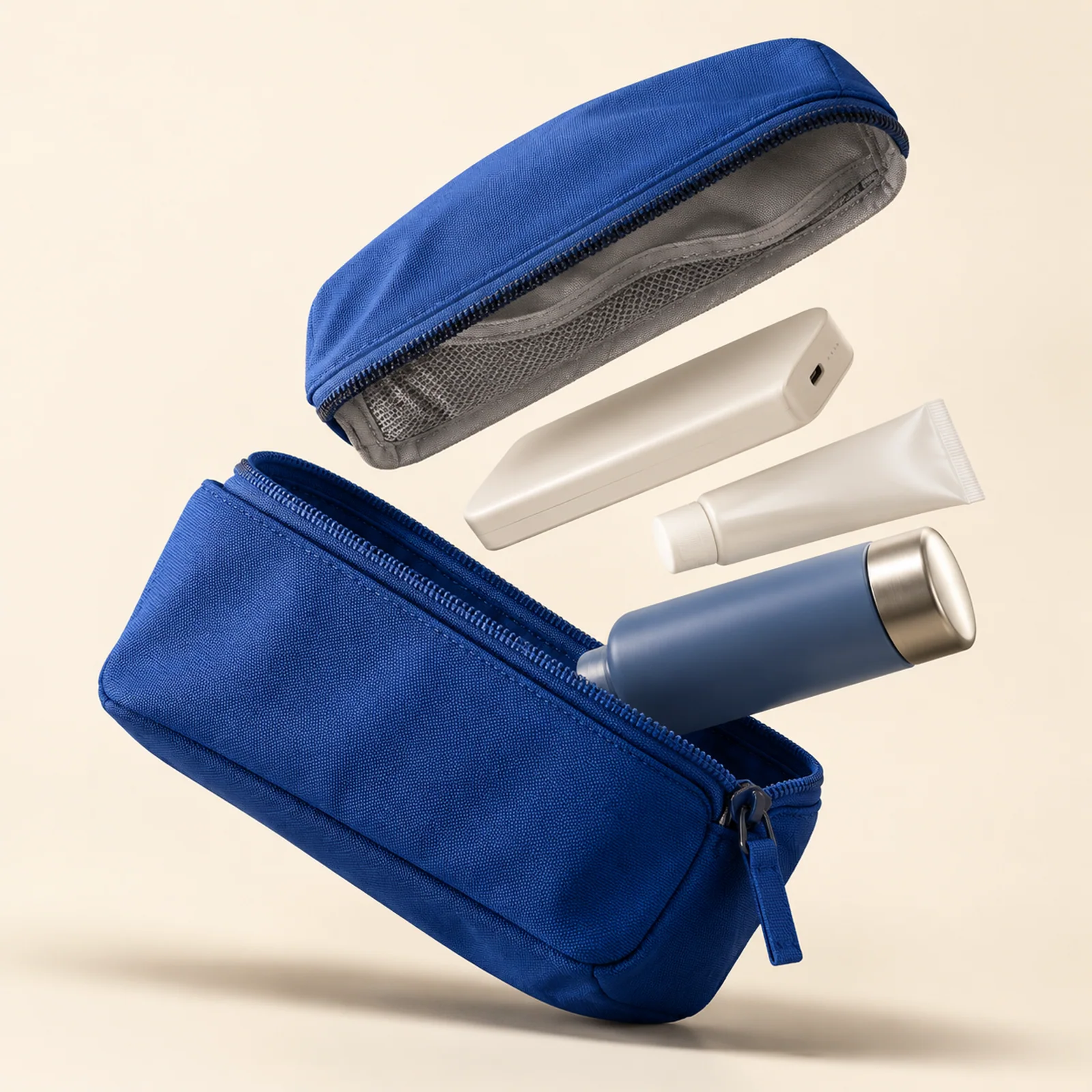
Plan Your Black Friday Product Images Before Paying for a New Shoot
Plan the product, space for sale copy and the checks that need a real photo. Follow an existing pouch example before deciding what to generate.
Read the guideStart from a template or describe the image or video you want to create.
Policies & contactStart with a question below. Each answer links to the relevant settings, examples or recovery steps.
Open a template, read its prompt and choose Open the studio. Sign in when asked, then check the available model, format and estimated credits. Adjust the prompt and review the confirmation before generating. Opening a template does not start a paid task.
Explore prompts and templatesStart with the job: a product image, an illustration or a scene. Compare available models, reference-image support, aspect ratios and credit estimates. Use a smaller supported resolution to explore a composition, then review it before spending more. A higher price or resolution does not guarantee a better image.
Compare image and video modelsDescribe the subject, setting, composition and lighting. Try: A blue travel pouch, open on an ivory tabletop, viewed from above in soft window light. For a revision, change one detail at a time so you can tell what helped. Compare the original prompts and results in our tested examples.
Explore prompts and templatesName the specific problem before generating again: an extra object, the wrong viewpoint or a busy background. Simplify the scene and change one instruction. Check hands, lettering, product details and object counts at full size. A new generation costs credits; it is not a guaranteed correction.
Drafts and reusing settingsStarter and credit packs are one-time purchases. They do not renew automatically or change your membership tier. Check current purchase availability on Pricing. Buying credits does not unlock every model or replace the requirements for generation.
View pricing & creditsThe studio shows an estimate from the billing catalog before you confirm a generation. Accepted tasks reserve credits while waiting; success settles the charge. Waiting does not use a simultaneous generation slot. Capacity and maintenance can delay the start, so the waiting-list position is not an exact completion time.
View pricing & creditsImage-to-image and first-frame video require a compatible model. Upload a JPG, PNG or WebP up to 10 MB and follow the image validation feedback. References are resized to fit 2048 px and available for 7 days; check the displayed expiry before reuse. Uploading alone does not start a generation. The selected reference is sent to the generation provider when the confirmed task is dispatched.
References and model settingsCanceling a waiting task before submission or a confirmed failure releases reserved credits, keeping their original expiry. If the result is uncertain, check the original task before trying again. Leaving the page does not cancel it. Releasing credits is different from a cash refund.
Credits, waiting and cancellationIf submission is interrupted, let the workspace check the saved request, then check History and task details before trying again. Do not create another request for the same uncertain submission. A task awaiting review is not a confirmed failure: its credits stay reserved until the result is reconciled. Already submitted or uncertain tasks cannot be safely canceled as waiting tasks.
Interrupted submissionsAfter payment, check the original order in Billing. If the payment or credits are still pending, check that order again before starting another purchase.
For a charged order with missing credits, contact support with the order number. Never send card details, verification codes or passwords.
Payment and missing creditsSuccessful generations appear in your private library. In-progress tasks can be checked again from History and task details. Search, filter, rename or favorite creations in the library; moving one to Trash does not remove its task history or credit records. Open a creation to preview it or download the original. If a preview fails, use the available retry or original-file option. Example artwork is illustrative, not your generated result or a model benchmark.
Your creations and downloadsYou must have the rights and permissions needed to submit prompts, reference images and other content, including permissions concerning identifiable people. You grant only the permissions needed to process, screen, store and deliver the requested service and investigate support or safety issues. Private work is not automatically published to a public gallery.
Privacy noticeRights in your inputs remain with you or their rightful owners. AI output may be inaccurate, similar to another user’s result or ineligible for exclusive copyright protection. No blanket ownership, exclusivity or commercial-use guarantee is made. Commercial use depends on the selected model’s applicable license, provider conditions and third-party rights; unresolved model licensing keeps that offering closed.
Your content and generated resultsThe service is offered outside mainland China, only where Creem, the selected model provider and local law permit it. Availability may differ by model and region.
Check model status in the studio and available plans on Pricing.
Compare image and video modelsPlan the product, space for sale copy and the checks that need a real photo. Follow an existing pouch example before deciding what to generate.
Read the guide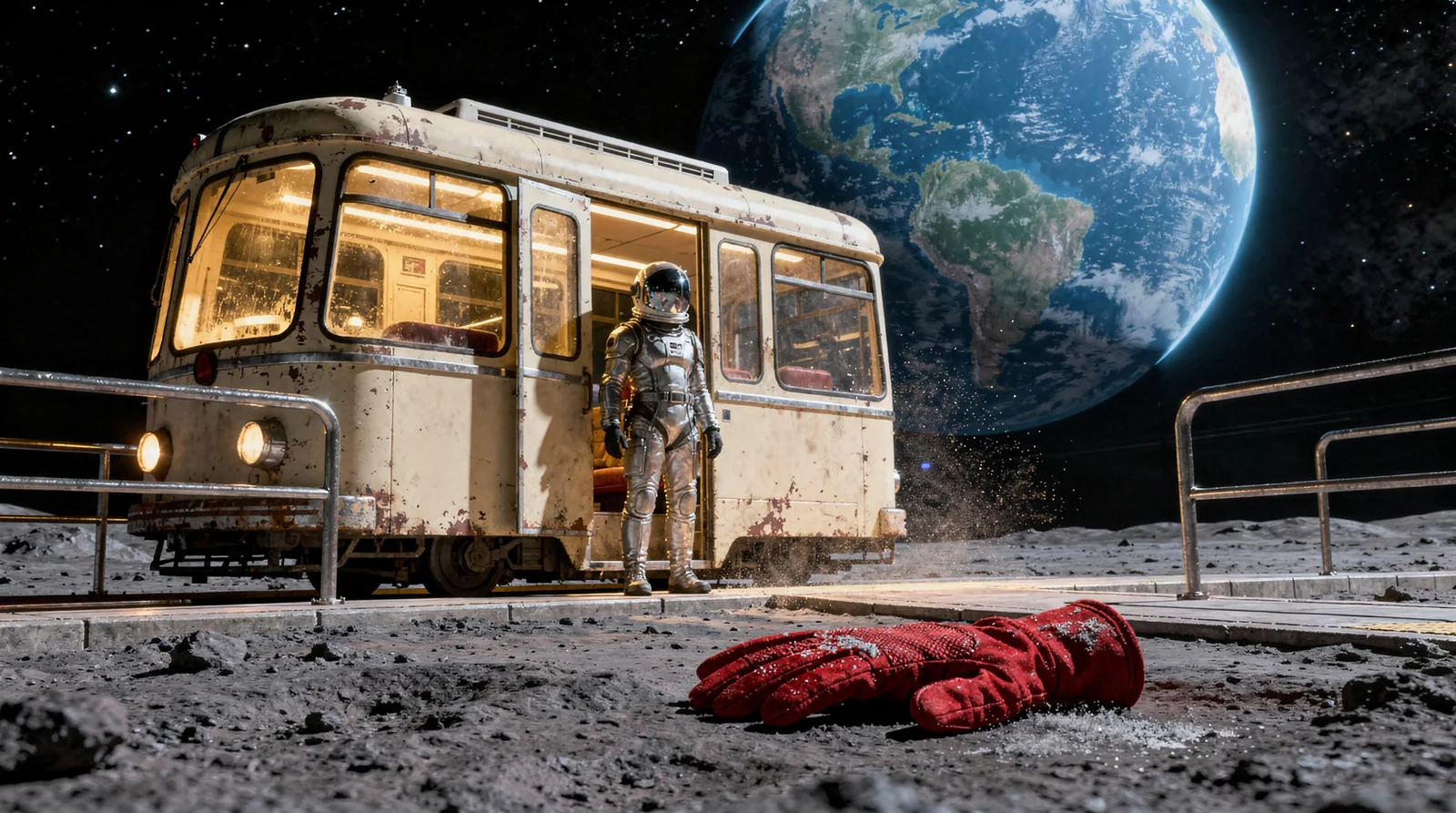
Read the composition, leave room for a title and inspect a real prompt mismatch. Use the lunar-tram example to check a cover at a small size.
Read the guideKie image and video models use creation credits. Available models and settings depend on your plan.
Starter: $5 once for 5,500 credits, valid for 90 days. No subscription or automatic renewal.
About 78 images with Seedream Flash
After payment, check the original order in Billing. If the payment or credits are still pending, check that order again before starting another purchase.
For a charged order with missing credits, contact support with the order number. Never send card details, verification codes or passwords.
Reading your local time…
Start with 6 free images daily across two standard models. Explore Kie image and video models with creation credits.
Generation-count limits do not apply to designated membership models. Queue, concurrency and clip limits still apply; unlimited storage and instant completion are not included. Kie models use credits. Annual plans grant credits monthly, not all at once.
Unlimited designated standard images and videos, with fair queuing.
The studio shows an estimate from the billing catalog before you confirm a generation. Accepted tasks reserve credits while waiting; success settles the charge. Waiting does not use a simultaneous generation slot. Capacity and maintenance can delay the start, so the waiting-list position is not an exact completion time.
Use Cancel waiting task before submission starts. Unstarted tasks expire after 24 hours. Cancellation or a confirmed failure releases the reservation; released credits keep their original expiry. Leaving the page does not cancel a task. Cash refunds follow the rules below.
Refunds and subscription cancellationView pricing & creditsIf submission is interrupted, let the workspace check the saved request, then check History and task details before trying again. Do not create another request for the same uncertain submission. A task awaiting review is not a confirmed failure: its credits stay reserved until the result is reconciled. Already submitted or uncertain tasks cannot be safely canceled as waiting tasks.
Image-to-image and first-frame video require a compatible model. Upload a JPG, PNG or WebP up to 10 MB and follow the image validation feedback. References are resized to fit 2048 px and available for 7 days; check the displayed expiry before reuse. Uploading alone does not start a generation. The selected reference is sent to the generation provider when the confirmed task is dispatched.
Detach removes the selection from your current draft. Removing a reference from Recent references makes it unavailable for reuse, but does not erase the stored file or free its storage. Removal can be blocked while a task is using the reference.
Drafts are saved for your account in this browser, not synchronized across devices. Clear draft removes that local draft, not submitted tasks. Reuse settings from task details to prepare another creation; review the model, parameters and credit estimate before confirming. Expired references or unavailable settings may need replacing.
Successful generations appear in your private library. In-progress tasks can be checked again from History and task details. Search, filter, rename or favorite creations in the library; moving one to Trash does not remove its task history or credit records. Open a creation to preview it or download the original. If a preview fails, use the available retry or original-file option. Example artwork is illustrative, not your generated result or a model benchmark.
Recorded storage includes active creations, Trash, retained references and known pending or unlinked files. Unknown sizes are shown separately, not counted as zero; this is not a full storage-bucket audit. Verify file sizes checks metadata for up to 20 eligible files per click, without downloading their contents or deleting files. No plan storage limit is configured; this is not an unlimited-storage promise.
Newly trashed creations become eligible for the 30-day preview after that period. This is a preview threshold, not a deletion deadline. Older records without a preview date remain protected, as do records tied to ongoing tasks or review. Restore remains available after the preview date; restoring clears that date, and moving the creation to Trash again starts a new period. Permanent deletion is disabled. Trash and expired or removed references still use storage. Download files you need to keep; no permanent-retention guarantee is made here.
Email support: support@mazee.ai
Email and on-site support are separate. Email does not automatically create a support ticket.
Signed-in users canopen a support request, link their own task or order, add information and read replies here. Requests do not send email or automatically issue refunds, grant credits or resubmit generation. Service hours remain pending.
Do not put passwords, verification codes, API keys or payment details in prompts or other content submitted to the service.
Account information includes your email, display name, private biography, time zone, notification preferences, sign-in provider identifiers and session records. Email sign-in also processes verification requests and codes; do not send codes or credentials to support.
Mazee.ai operates this service. Contact support@mazee.ai for privacy, service and refund requests. Creem handles private merchant verification.
The studio shows the selected model, settings and estimated credits before confirmation. Accepted tasks reserve credits while waiting; successful delivery settles the charge. Waiting does not consume a simultaneous generation slot, and queue position is not a guaranteed completion time. The service never silently switches a free or membership request to a paid model.
You must be at least 18 and meet your local legal contracting age and capacity. The service is limited to supported locations outside mainland China where payment providers, model providers and local law permit the intended use. You must give accurate information and must not misstate your location or use a proxy to bypass restrictions.
You must be at least 18 and meet the legal age to enter a contract where you live. We do not currently offer the service to minors.
The service is offered outside mainland China, only where Creem, the selected model provider and local law permit it. Availability may differ by model and region.
Creem purchase restrictionsFor your first membership purchase or each credit pack, request a full refund within 14 days of payment if none of that order’s paid benefits have been used. For renewals, request within 3 days of the charge if none of the current period’s paid benefits have been used.
Using free benefits or browsing does not count as paid usage. After paid use, dissatisfaction alone does not guarantee a full refund. Contact support: first purchases with limited usage may receive an individually reviewed refund for unused benefits. Duplicate charges, unauthorized payments and delivery failures are reviewed separately.
Refunds are based on the amount actually paid and are processed through Creem. Statutory consumer rights and applicable Creem requirements prevail. Credit releases are not cash refunds. Canceling stops the next renewal; paid access normally continues to the end of the paid period unless a refund changes it.
Request billing supportVersion 0.1.577f67e7d32952