How do I write an AI image prompt?
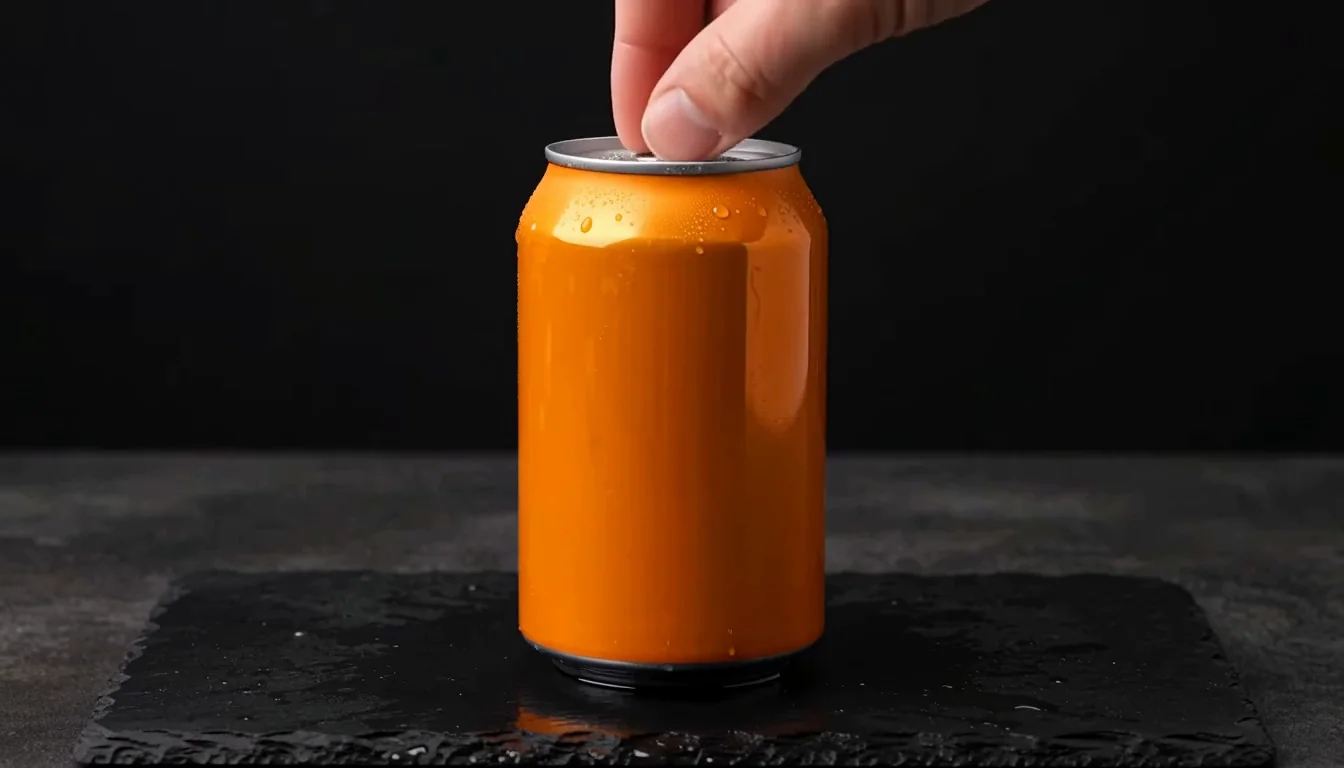
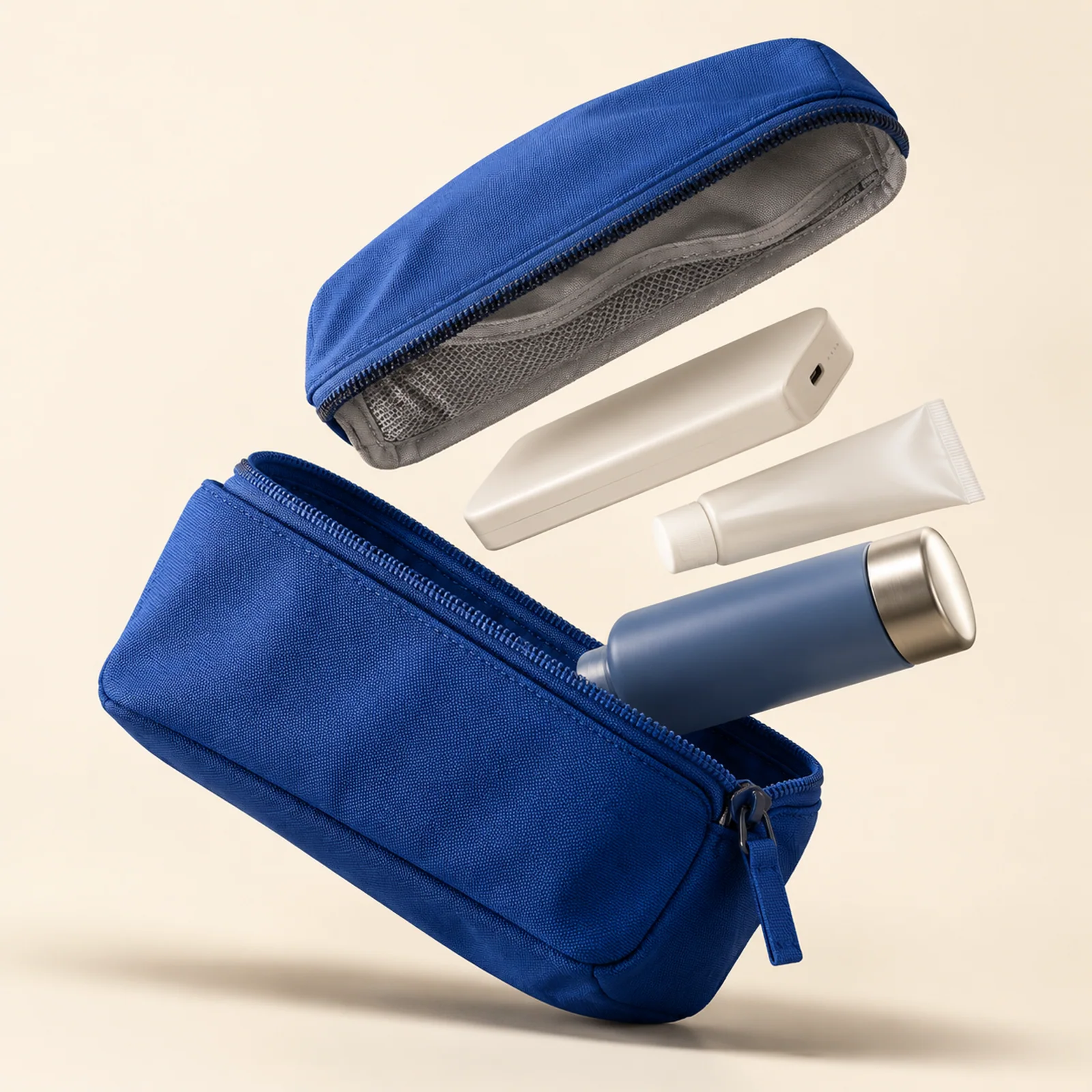
For text-to-image generation, describe the subject, setting, composition and lighting. For example: “A blue travel pouch, open on an ivory tabletop, viewed from above in soft window light.” Change one detail at a time to compare results. Our prompt examples pair original prompts with the images they produced.
Explore prompts and templatesHow do image-to-image and image-to-video generation work?
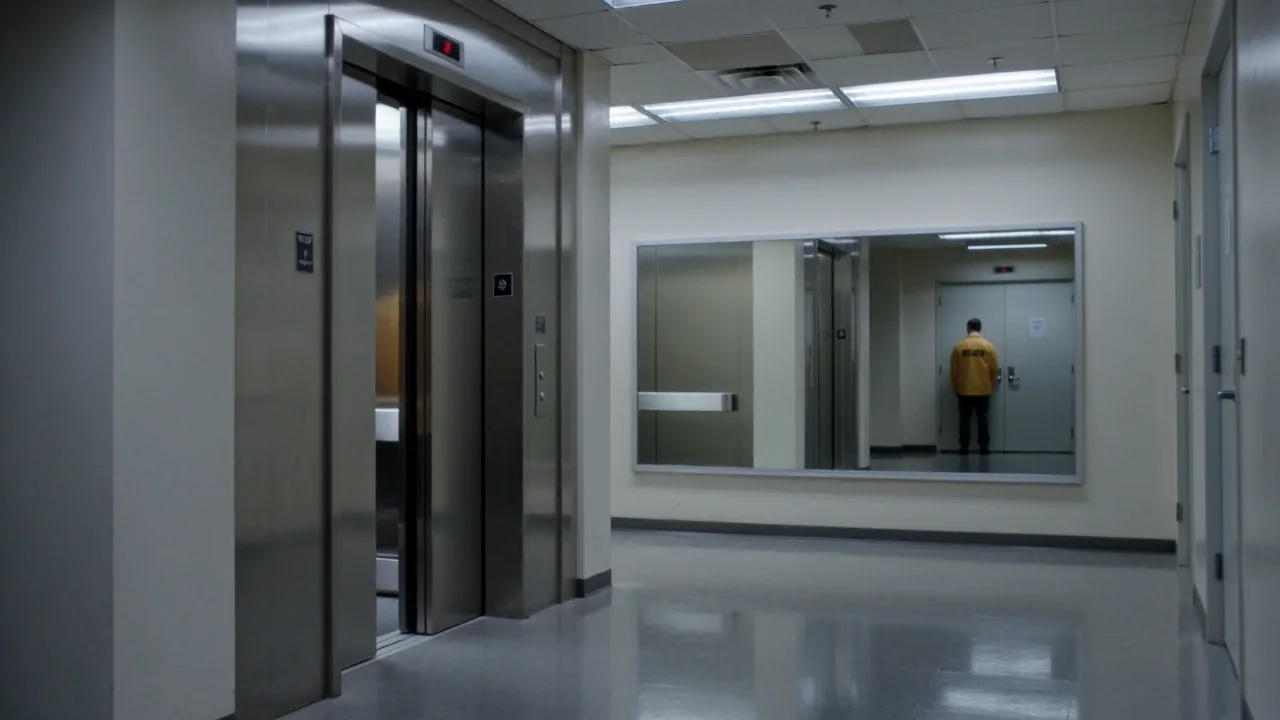
Use image-to-image to create a new image from a reference, or image-to-video to use an image as the first frame of a video. Each workflow requires a compatible model. Check its availability, upload an image you have permission to use and review the settings. Uploading a reference does not start generation.
Read the reference-image guideHow do I write a text-to-video prompt?
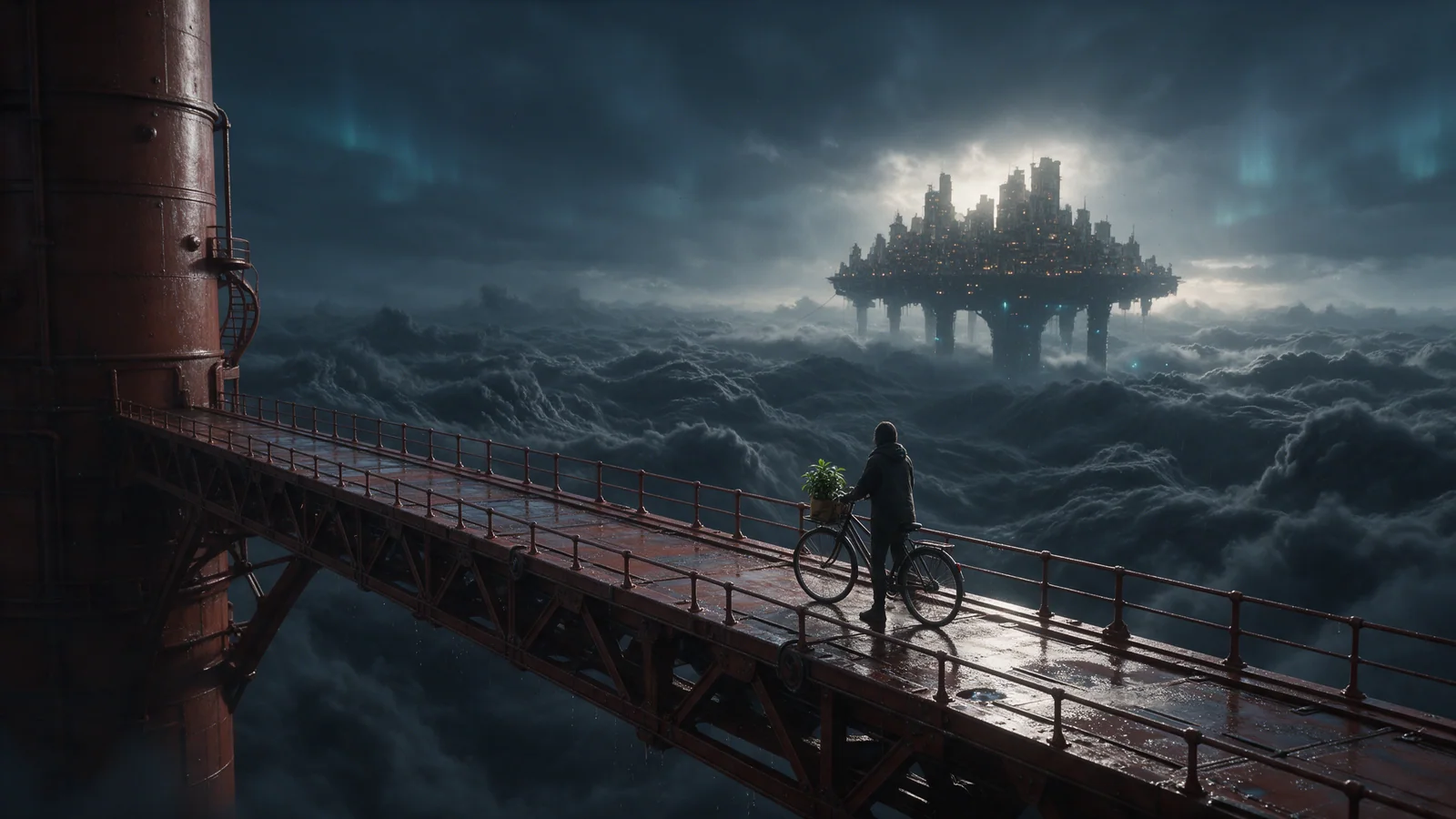
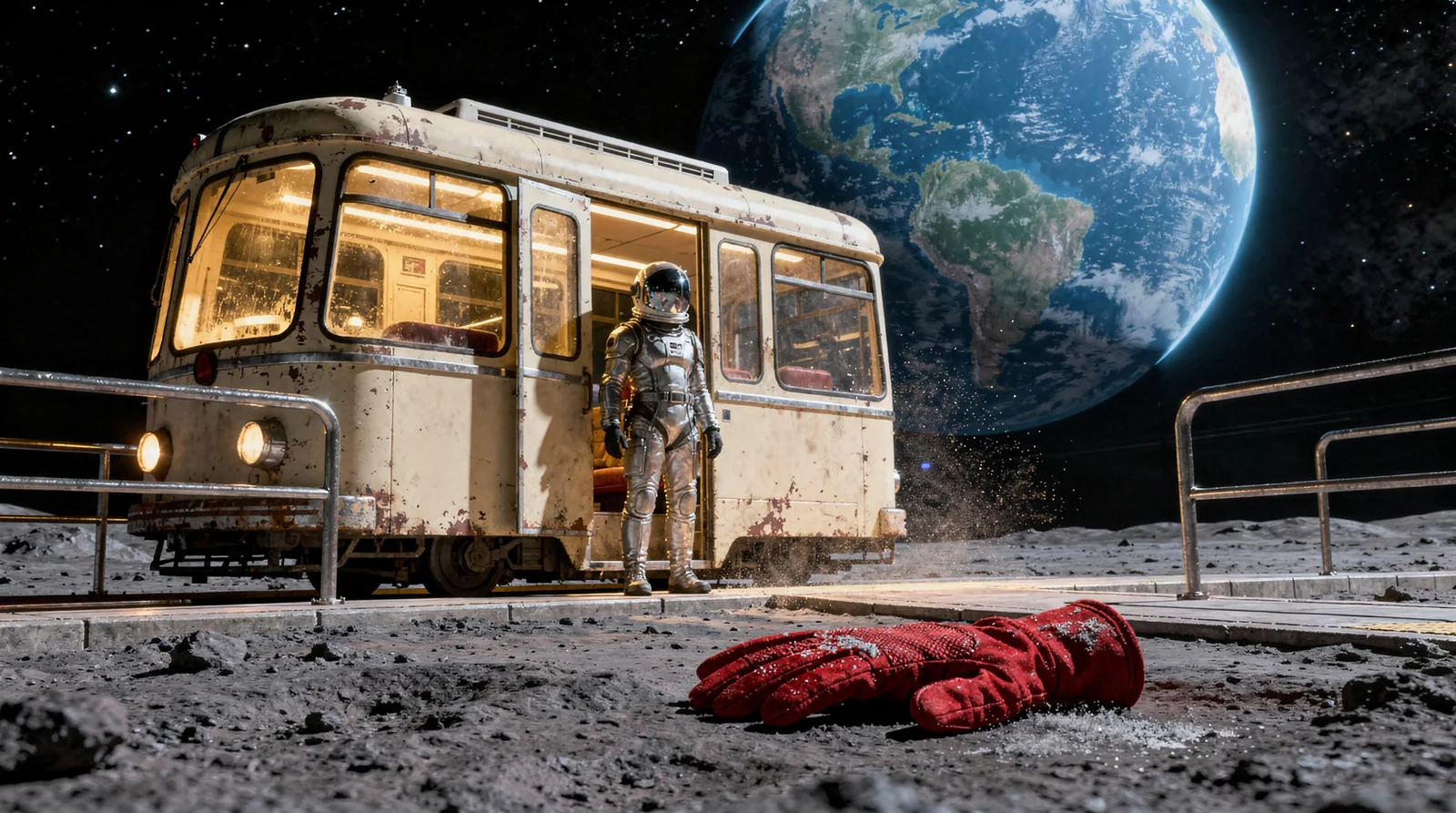
Describe the scene, the subject’s actions and the camera movement. For example: “A red tram crosses a moonlit station as the camera slowly moves alongside it.” Choose an available AI video model and a supported duration, aspect ratio and resolution. A higher resolution alone does not guarantee a better result.
Compare image and video modelsDo I need a subscription to start?
You can buy Starter or a one-time credit pack without a subscription. Neither renews automatically or changes your membership tier. Check purchase availability and the estimated credit cost before confirming a task. Planned free-image and membership benefits are listed separately from services available now.
View pricing and availabilityWhich image model should I choose?
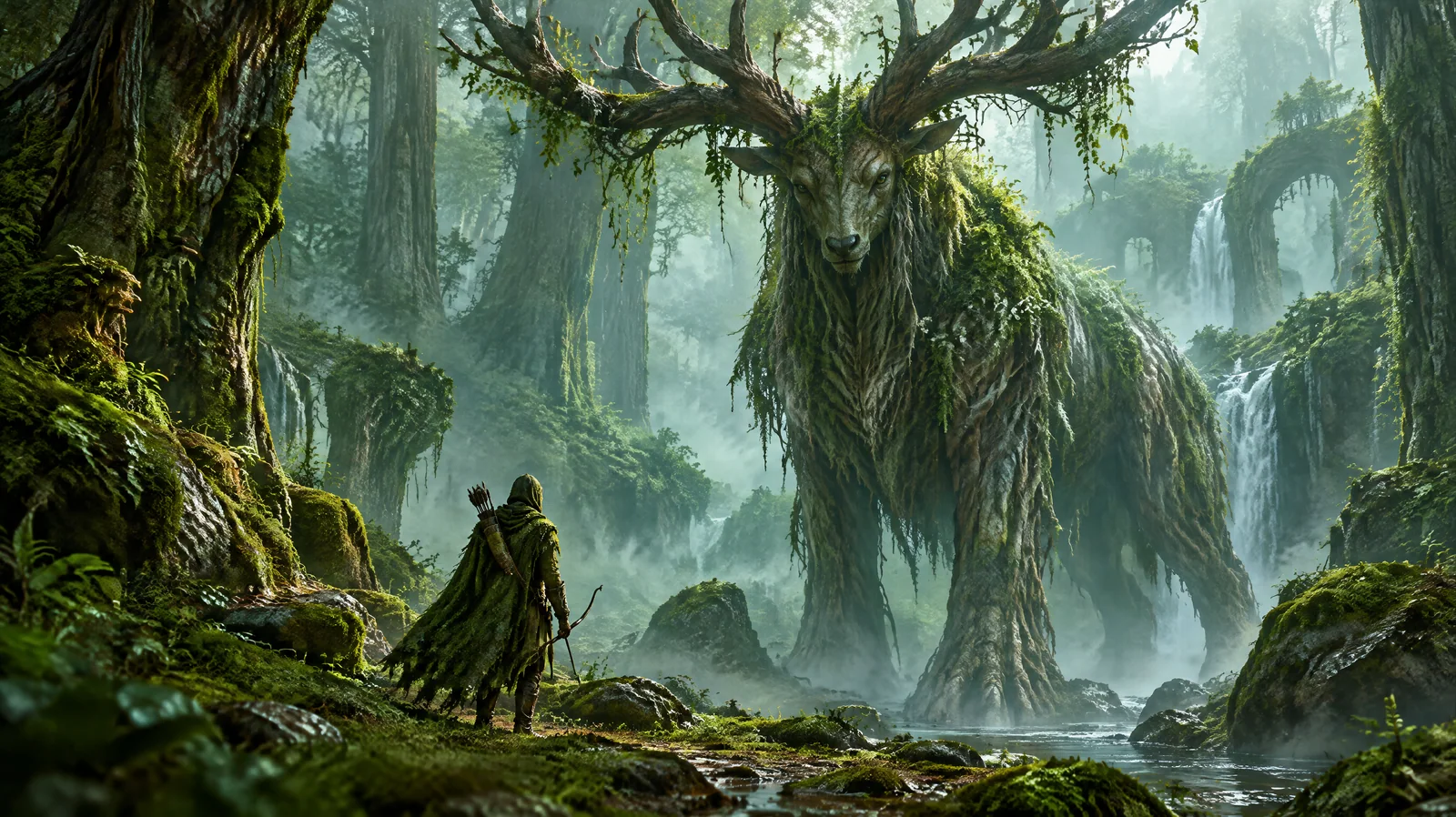
Start with the job: a product image, an illustration or a scene. Compare available models, reference-image support, aspect ratios and credit estimates. Use a smaller supported resolution to explore a composition, then review it before spending more. A higher price or resolution does not guarantee a better image.