
AI sci-fi art prompt: a tram on the Moon
By Mazee.ai. Existing AI-generated example.
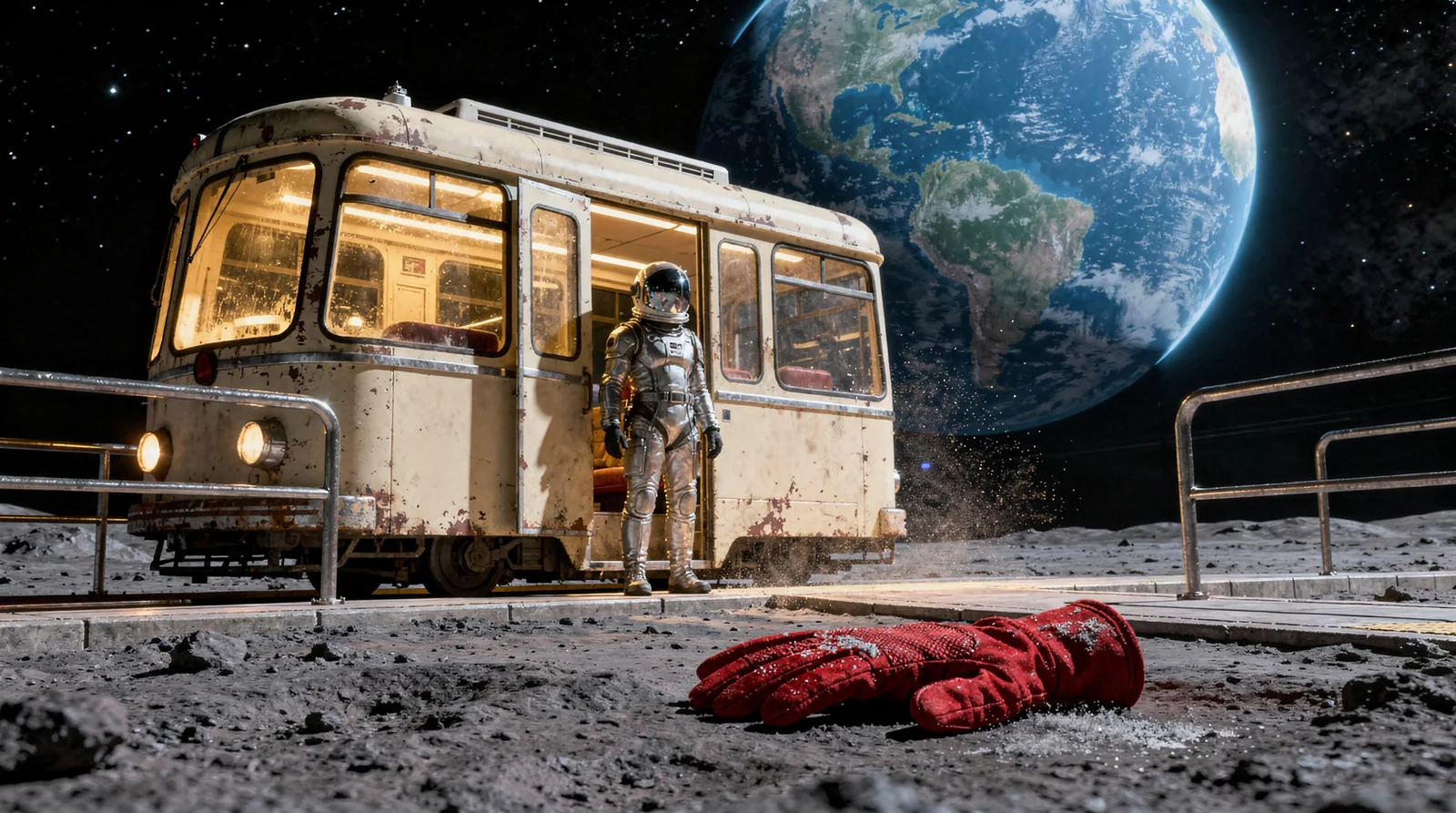
A red glove, a waiting tram and Earth occupy three different depths. Read the original FLUX prompt alongside the generated widescreen keyframe.
Use the fictional scene as a starting point for a sci-fi cover or storyboard. The foreground clue, waiting commuter and distant Earth give you three depths to inspect.
Reading the prompt against the image
A single red glove lies in sharp foreground
The red glove is the nearest object. It gives the viewer a detail to notice before looking up at the commuter by the door.
warm amber windows
The lit windows make the tram stand out against the dark sky. Earth fills the background, while warm light draws attention to the commuter and the station.
Original prompt
- Original model
- FLUX.2 Pro
- Original resolution
- 2K
- Original ratio
- 16:9
Cinematic science-fiction keyframe: an old cream-colored tram with warm amber windows waits at a tiny lunar platform beneath an enormous blue Earth. One adult commuter in a practical silver pressure suit stands by the open tram door. A single red glove lies in sharp foreground on the dusty platform, a quiet narrative clue. Wide 35mm composition, cold lunar shadows, delicate suspended dust, controlled highlights, physically coherent scale and clear subject hierarchy. Original fictional world, no text, trademarks or watermark.Use it in your own project
- Open the original template below and review its prompt and preset. The image is an existing result; previewing it does not start a new generation.
- In the studio, check current model availability, settings and estimated credits. The original preset is a production record, not a promise that it is available to your account.
- Choose one thing to change before deciding whether to generate. If the connection drops after submission, check History and the original task before trying again.
Check the result before using it
- The prompt asks for one red glove, but this existing image contains two. Count important objects rather than assuming the prompt was followed.
- Try the intended title in an external editor, then shrink the image and check whether the commuter and tram remain clear.
- This is an AI-generated fictional scene, not a photograph of a real lunar transport system.