MiniMax H3 · 無料AI画像生成ツールと動画スタジオ | Mazee.ai
コンテンツへスキップ
Mazee.ai
探索モデル料金ヘルプ
サインイン作成開始
メニュー
探索モデル料金ヘルプサインイン

Mazee.ai

MiniMax H3で動画を作成

MiniMax H3やSeedanceで音声付きの短い動画を作成。実際の作例を見るか、無料の画像生成から始められます。

対象モデルでAI画像を無料生成できます。 CreatorまたはProでは、対象の画像・動画モデルを回数制限なく利用できます。 従量制 の画像・動画モデルは制作クレジットを使用します。利用できるモデルや設定はプランによって異なります。

MiniMax H3無料で画像を作成テンプレートを参照するスタジオをオープンします
商品ビジュアルなら、この作例から。
中文首页
MiniMax H3
Creator · Pro
無料の画像生成
Z-Image-Turbo · FLUX.2 klein 4B
1日6枚
会員は生成回数無制限
指定の画像・動画モデル
MiniMax H3
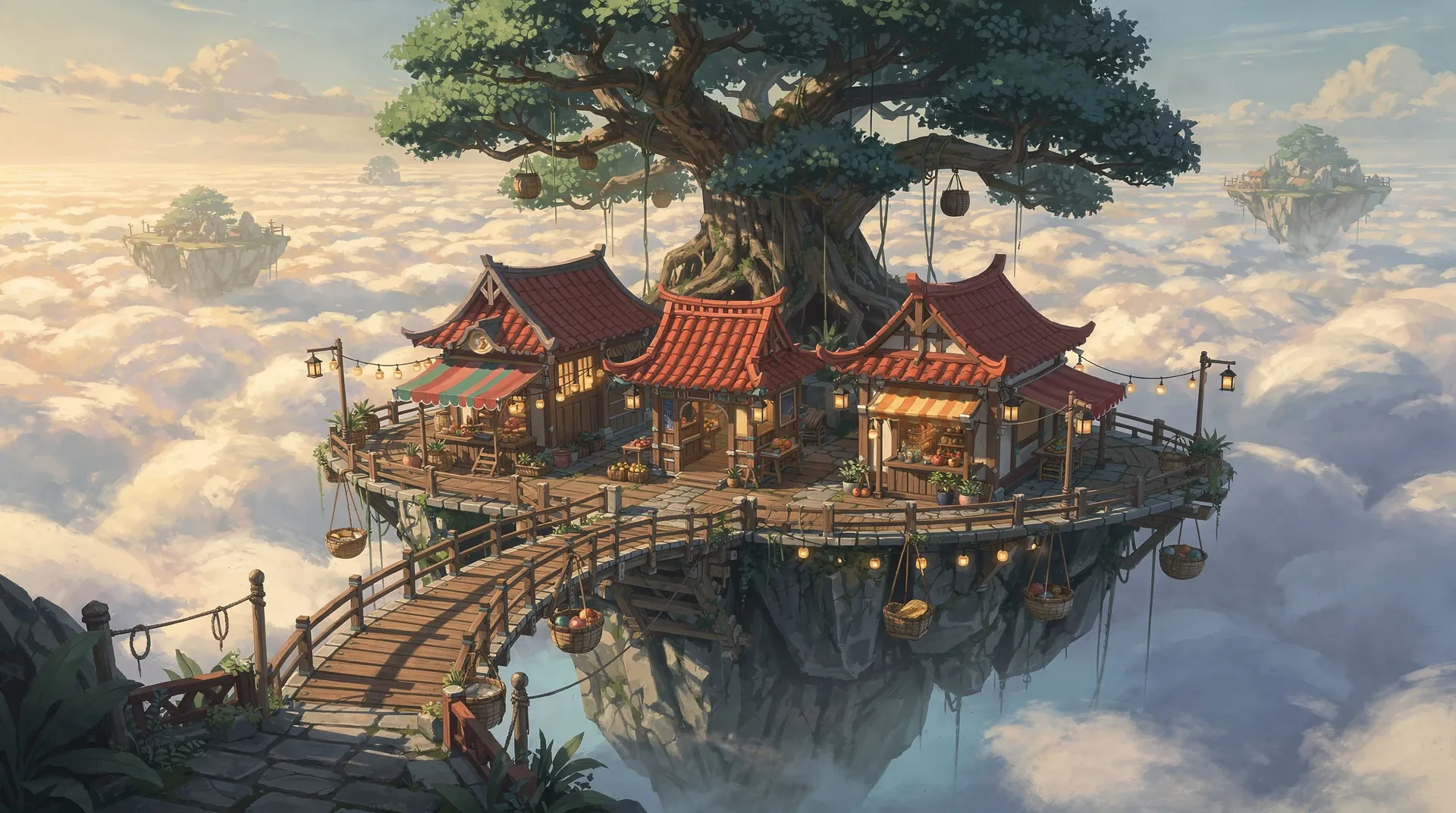
赤い屋根の小さな店と吊り橋が並ぶ空中の市場。
AI ゲーム雲の上の市場
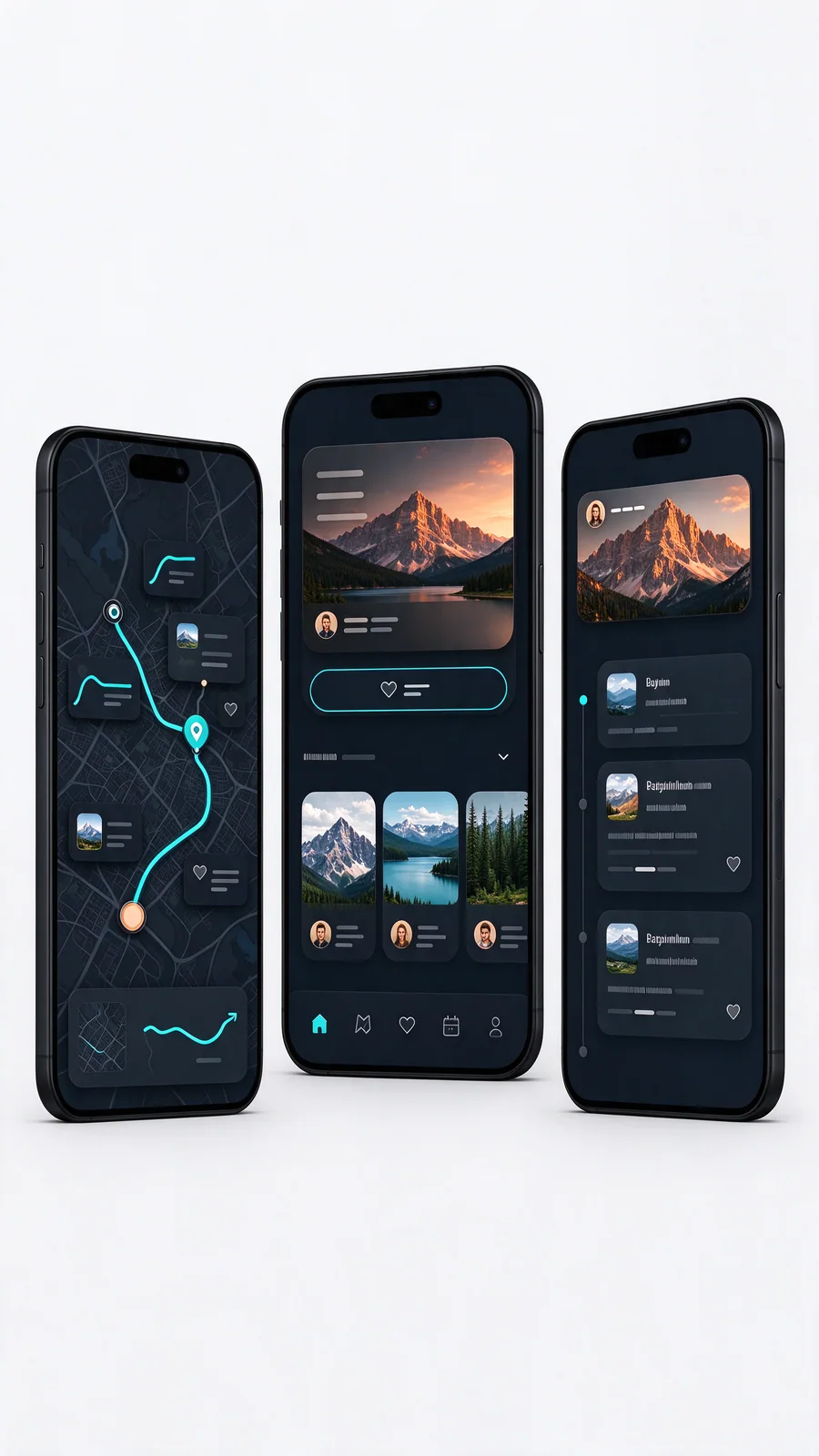
暗い旅行計画インターフェイスを表示する 3 台の携帯電話
ルートファーストの旅行アプリ
8 秒ごとに新しいペア

Create videos with MiniMax H3

Start with MiniMax H3 for member video creation, explore FastH3 for iteration, or choose Seedance for credit-based shots. Watch original clips before choosing a workflow.

MiniMax H3SeedanceAI video creation

すぐ使えるプロンプトから始める

キャンペーン、コマース、クリエイター チャネル、ストーリー開発向けに厳選されています。

すべてのテンプレートを表示
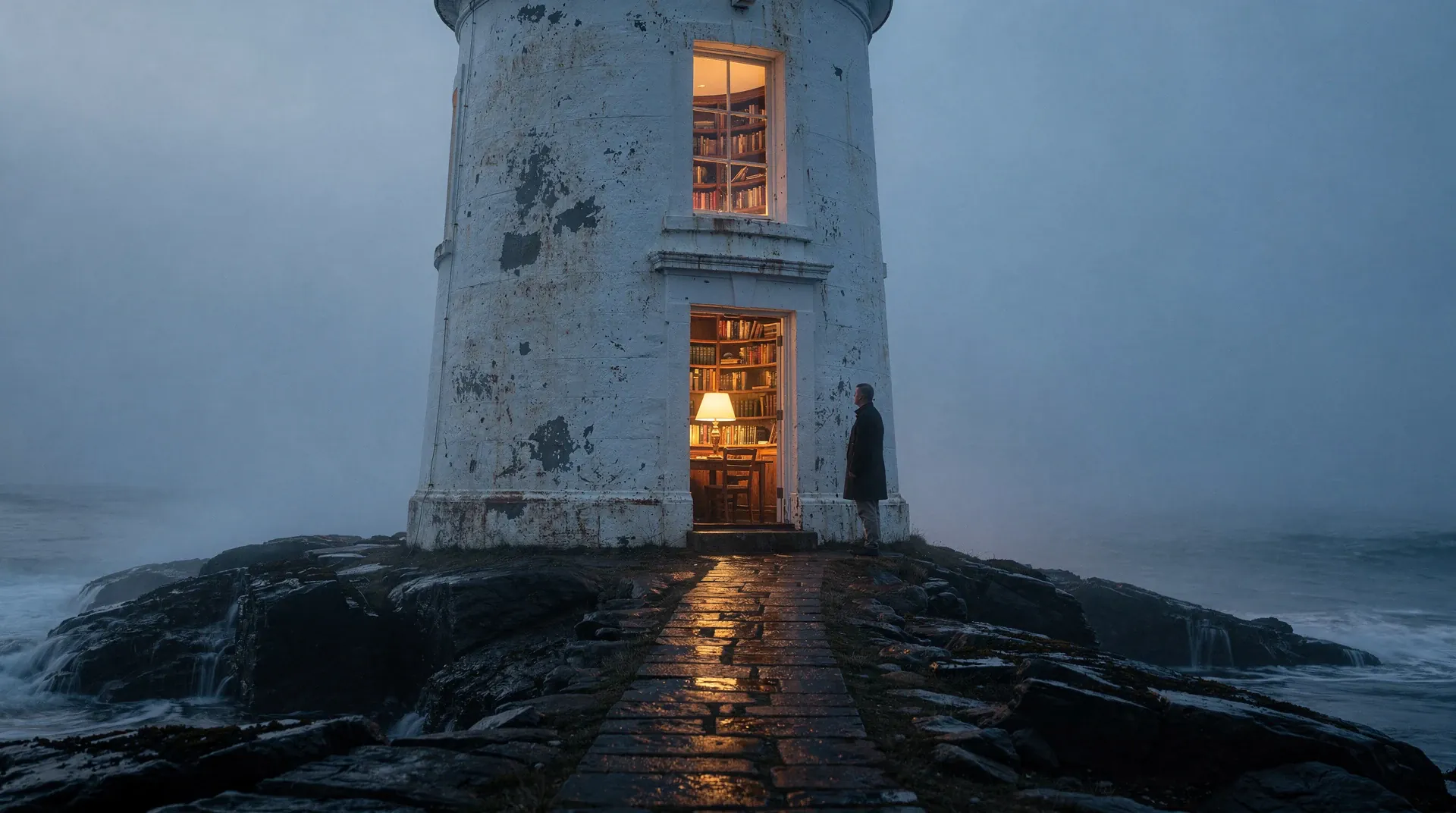
霧の海を見下ろす灯台の中で、暖かな図書館が光ります。
01

AIフィルム

灯台の図書館

FLUX.2 Pro で生成

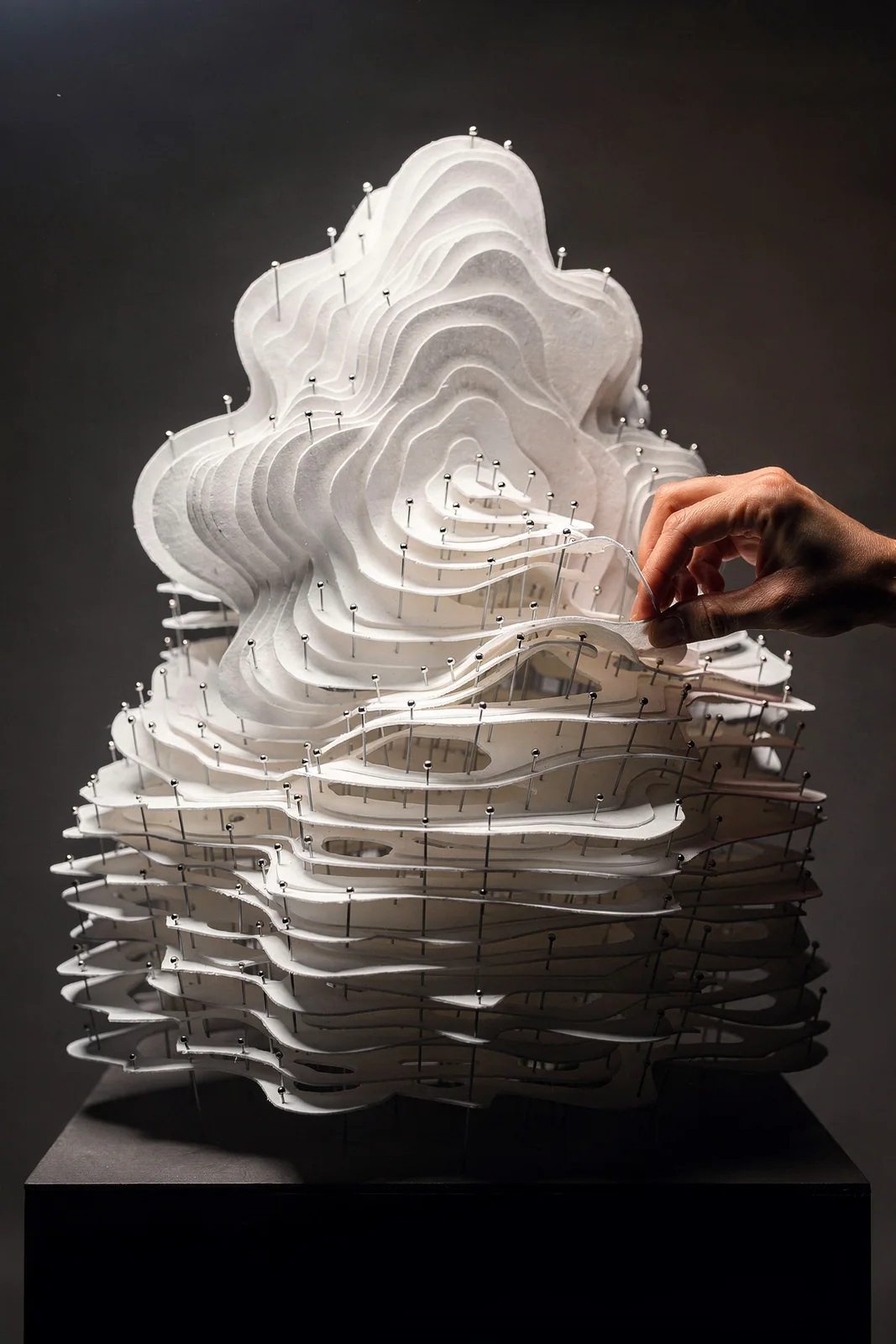
紙の輪郭で作られた背の高い雲のような彫刻を調整する手
02

紙の彫刻

雲アトラス

FLUX.2 Pro で生成

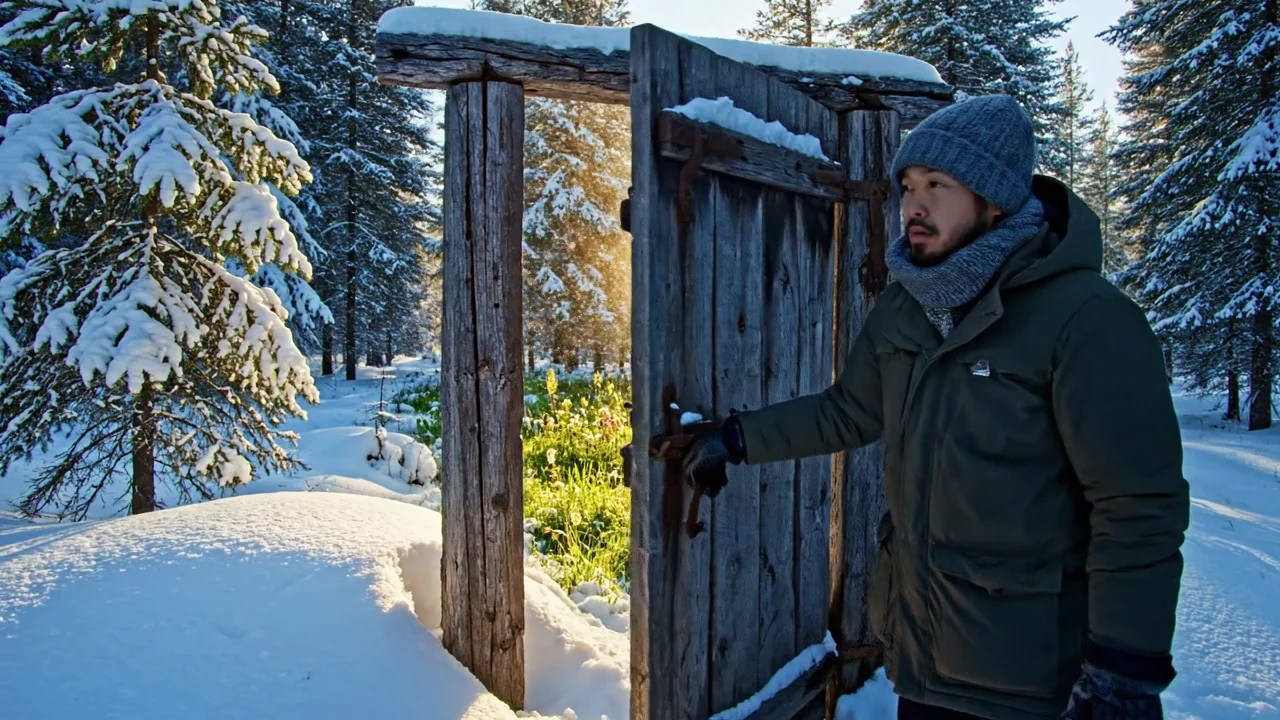
冬の扉の向こうの光
03

AIフィルム

冬の扉の向こうの光

Veo 3.1 Fast で生成

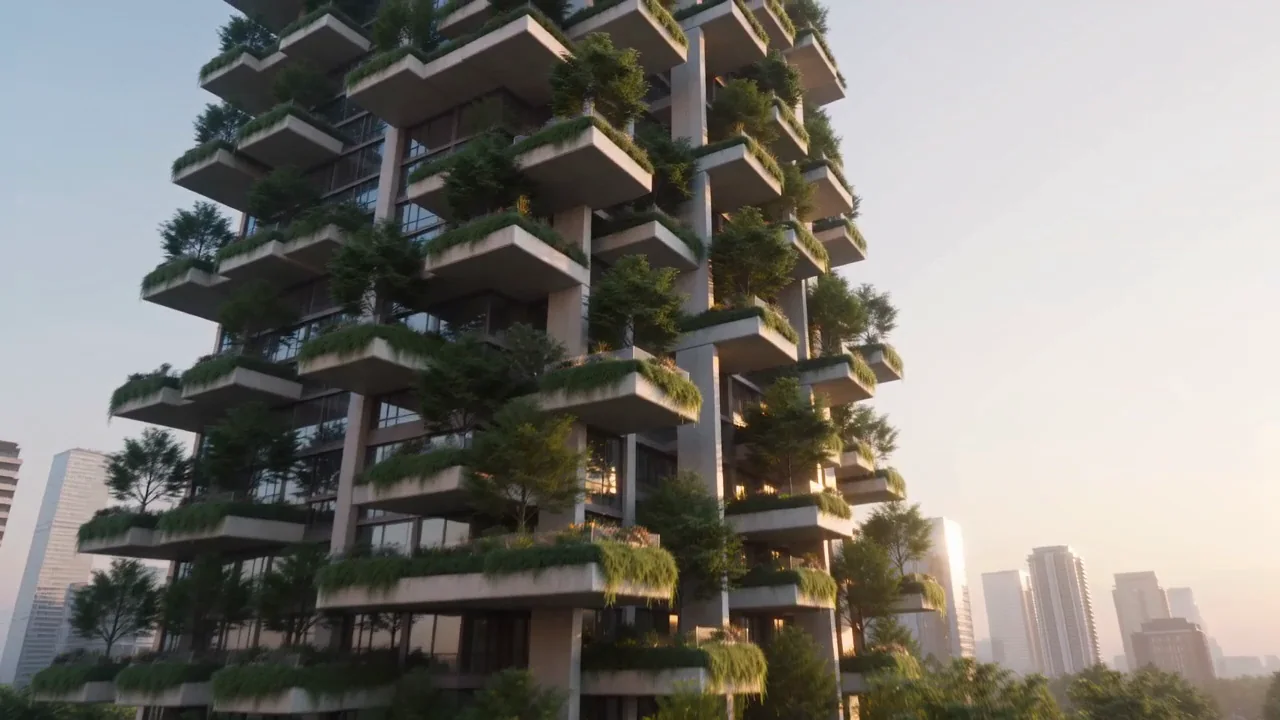
緑に覆われた高層住宅に接近する空撮カメラ
04

建築ブランドフィルム

垂直の森

Seedance 2.0 Fast で生成

6つの制作分野に画像と動画を

一般的な例に戻ったり、クリエイティブブリーフを再構築したりせずに、分野を切り替えます。

AI eコマース

製品の詳細を製品の要望に変えます。

スタジオ、生活シーン、製品デモで素材と機能をリアルに表現。

11
テンプレートのプレビュー
4
モーション プレビュー
このトラックを参照
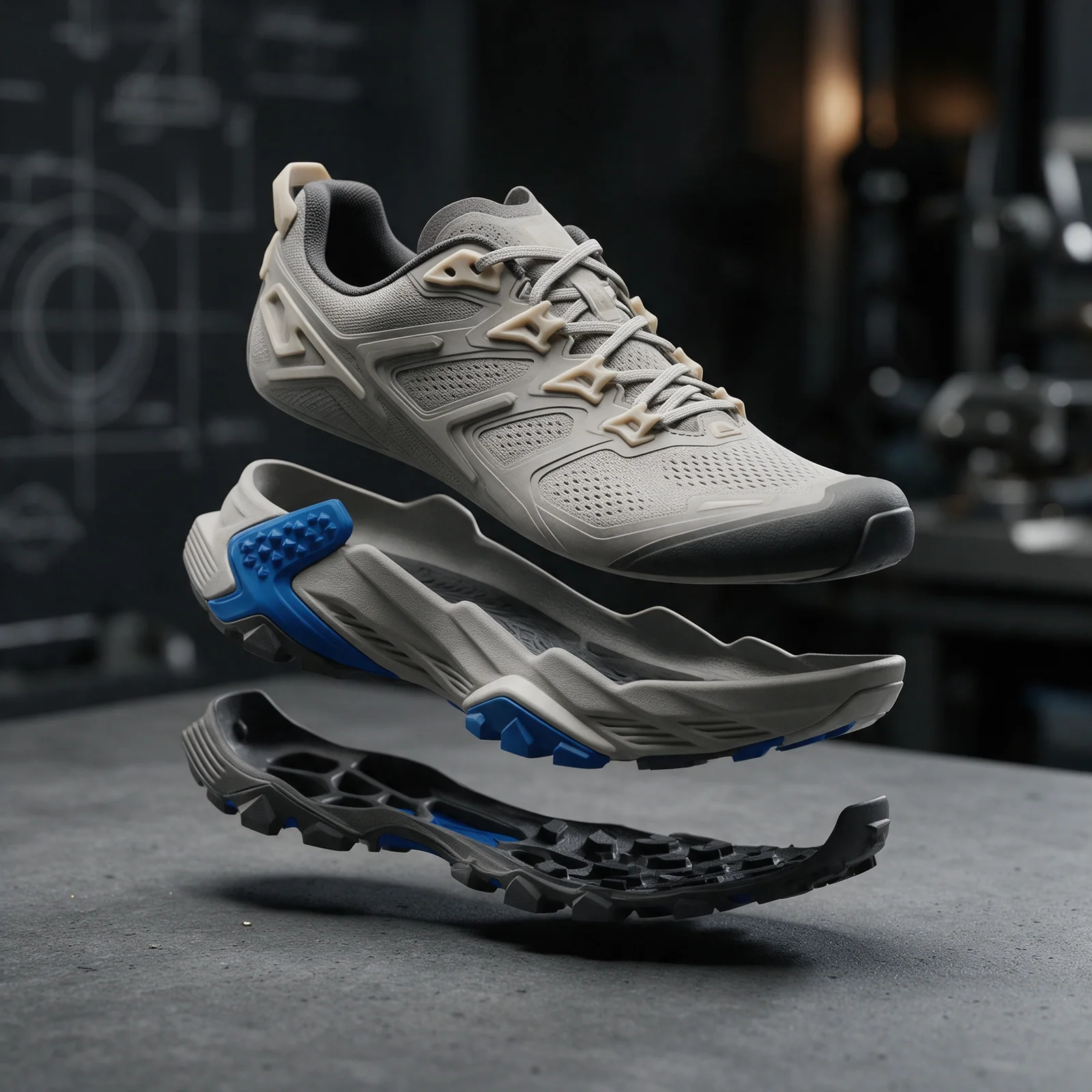
アッパークッション層とソール層に分かれたトレイルシューズ
画像トレイル用に構築
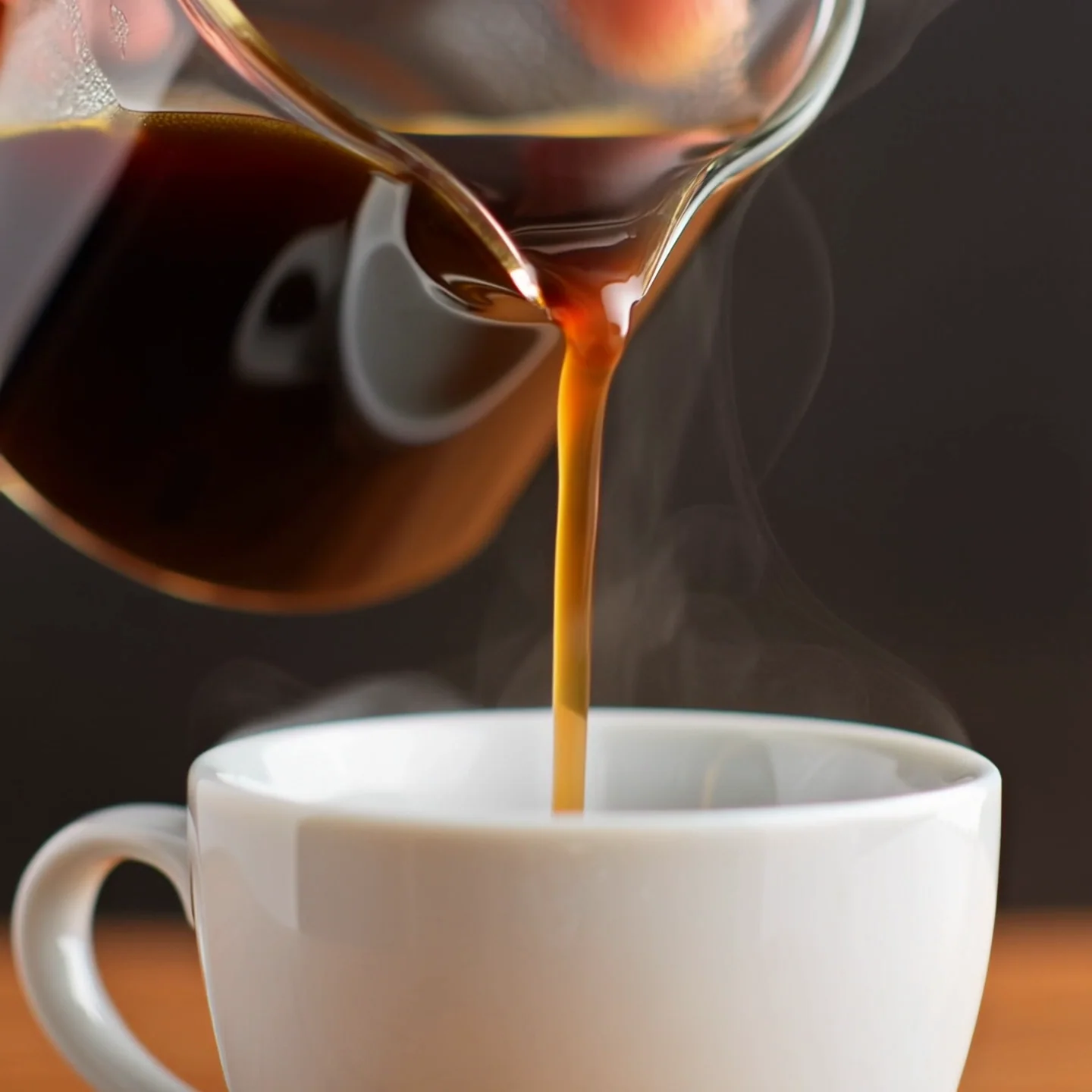
ガラスのカラフェから白いカップに注ぐ新鮮なコーヒー
動画醸造中
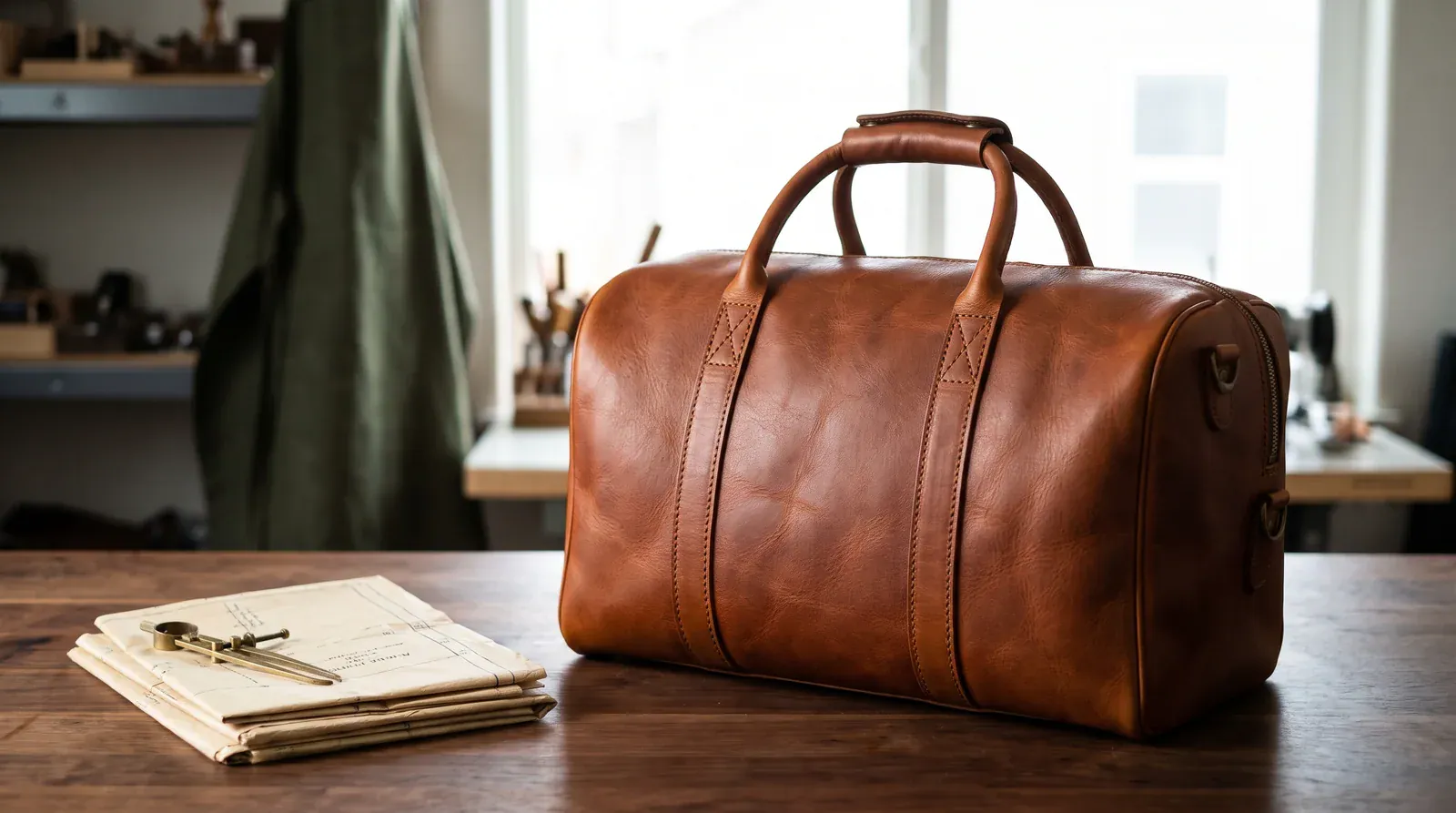
静かな工房に置かれた手作りの旅行バッグ。
画像革職人の作業台

プロンプトから画像・動画へ

構造はよく知られたままですが、その下にあるモデルと媒体は変化します。

  1. 01

    方向を設定します

    テンプレートから始めるか、自分の言葉で視覚的な概要を作成します。

  2. 02

    適切なモデルを選択してください

    画像とビデオのモデルを誇大宣伝ではなく、機能で比較します。

  3. 03

    最初からやり直さずに調整する

    作業が進むにつれて、プロンプト、参照、設定を維持してください。

画像・動画モデルを選ぶ

フォトリアリズム、イラスト、タイポグラフィ、モーション、またはスピードに適切なエンジンを使用してください。

Mazee.aiは第三者のAIモデルを利用する独立したインターフェースです。モデル名は連携を示すものであり、開発元との提携や推奨を意味しません。

画像 GPT Image · FLUX · Seedream · Nano Banana

動画 Veo · Kling · Seedance

モデルの比較

How to create AI images and videos

Mazee.ai, also known as Mazee, is an AI image and video generator. Turn a text prompt or reference image into a new visual with a compatible model, then track and download your result in the same workspace.

How do I write prompts for an AI photo generator?

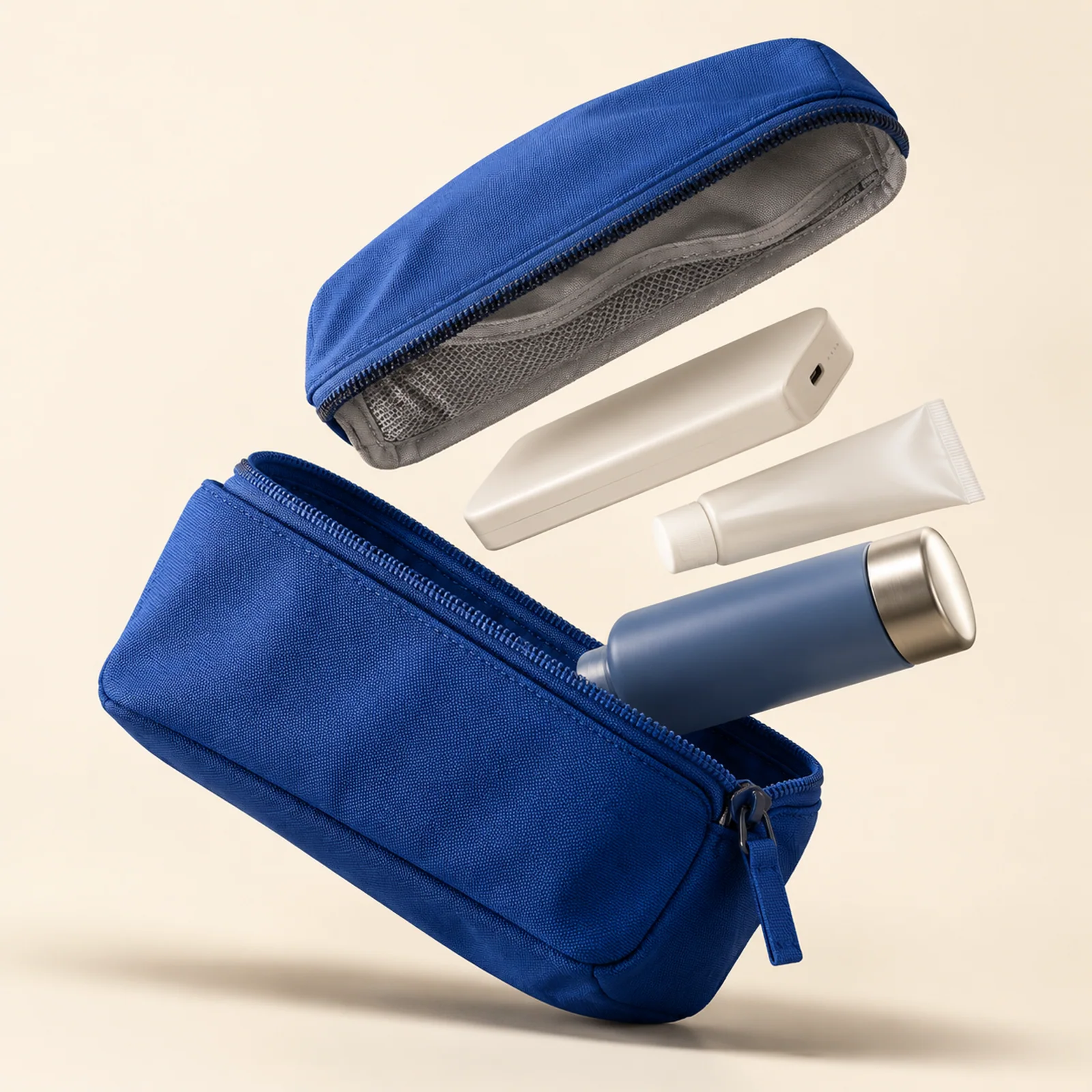
For text-to-image generation, describe the subject, setting, composition and lighting. Try an open blue travel pouch on an ivory tabletop, viewed from above in soft window light. Change one detail at a time to compare results. Our prompt examples show the images each prompt produced.

Explore prompts and templates

How do image-to-image and image-to-video generation work?

Use image-to-image to create a new image from a reference. With image-to-video, you can animate a first frame or use multiple reference images on supported models. Check the model’s input options before uploading and review the settings before generating.

Read the reference-image guide

What can an AI video generator use as input?

For text-to-video, describe the scene, the action and the camera movement. For video-to-video, choose a compatible model to edit a source clip or use it as a motion reference. Check the supported duration, aspect ratio and resolution before generating.

Compare image and video models

Do I need a subscription to start?

Starter and one-time credit packs are available without a subscription. Pricing lists the daily free image allowance, unlimited generation on designated membership models and the cost of models that use creation credits.

View pricing and availability

どの画像モデルを選べばよいですか?

商品画像、イラスト、風景など、まず用途を決めます。利用可能なモデル、参照画像への対応、縦横比、見積クレジットを比較してください。対応する低めの解像度で構図を試し、結果を確認してから追加で費用をかけましょう。価格や解像度が高くても、より良い画像になるとは限りません。

画像・動画モデルを比較する

タスクが失敗・キャンセルされたらクレジットを失いますか?

送信前の待機タスクのキャンセル、または確定した失敗では、元の有効期限を保って予約クレジットが解放されます。結果が不明なら再試行の前に元のタスクを確認してください。ページを離れてもキャンセルされません。クレジットの解放と現金の返金は異なります。

クレジット、待機、キャンセル
よくある質問をすべて見る

無料の画像生成 · 1日6枚

画像も動画も、一つのワークスペースで。

無料で画像を作成

Tested AI image prompts

  • AI product photo prompt: exploded-view travel pouch
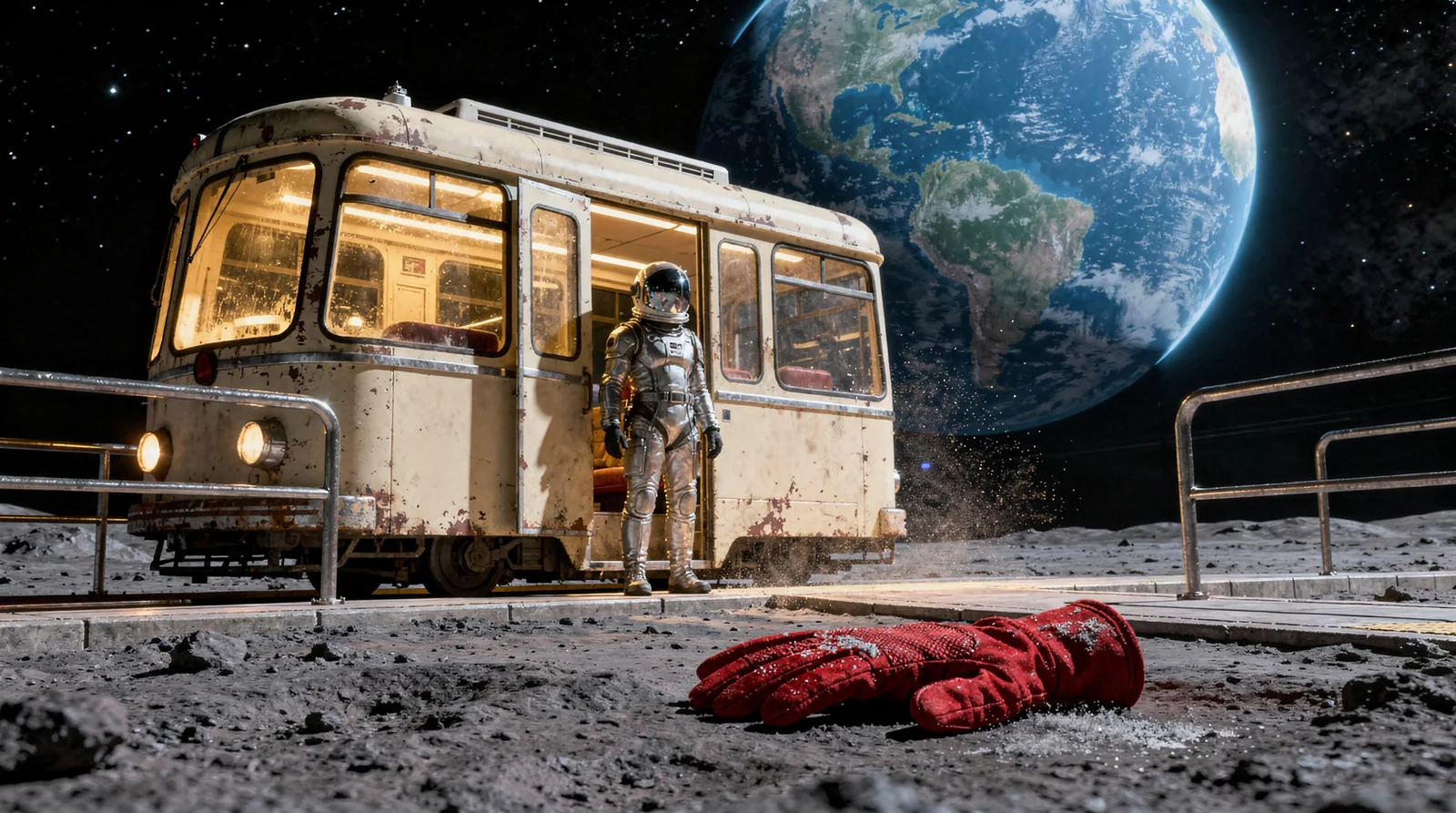
  • AI sci-fi art prompt: a tram on the Moon
  • AI environment art prompt: an orbital seed library

Practical image guides

View all guides

Plan Black Friday Product Images with AI

Plan Black Friday product images with an AI-generated pouch example. Set the product layout and room for sale copy, then check what needs a real photo.

Read the guide

Make AI Cover Images That Still Make Sense on a Phone

Check an AI cover image at phone size. Use the lunar tram example to test composition, title space and differences between the prompt and the result.

Read the guide

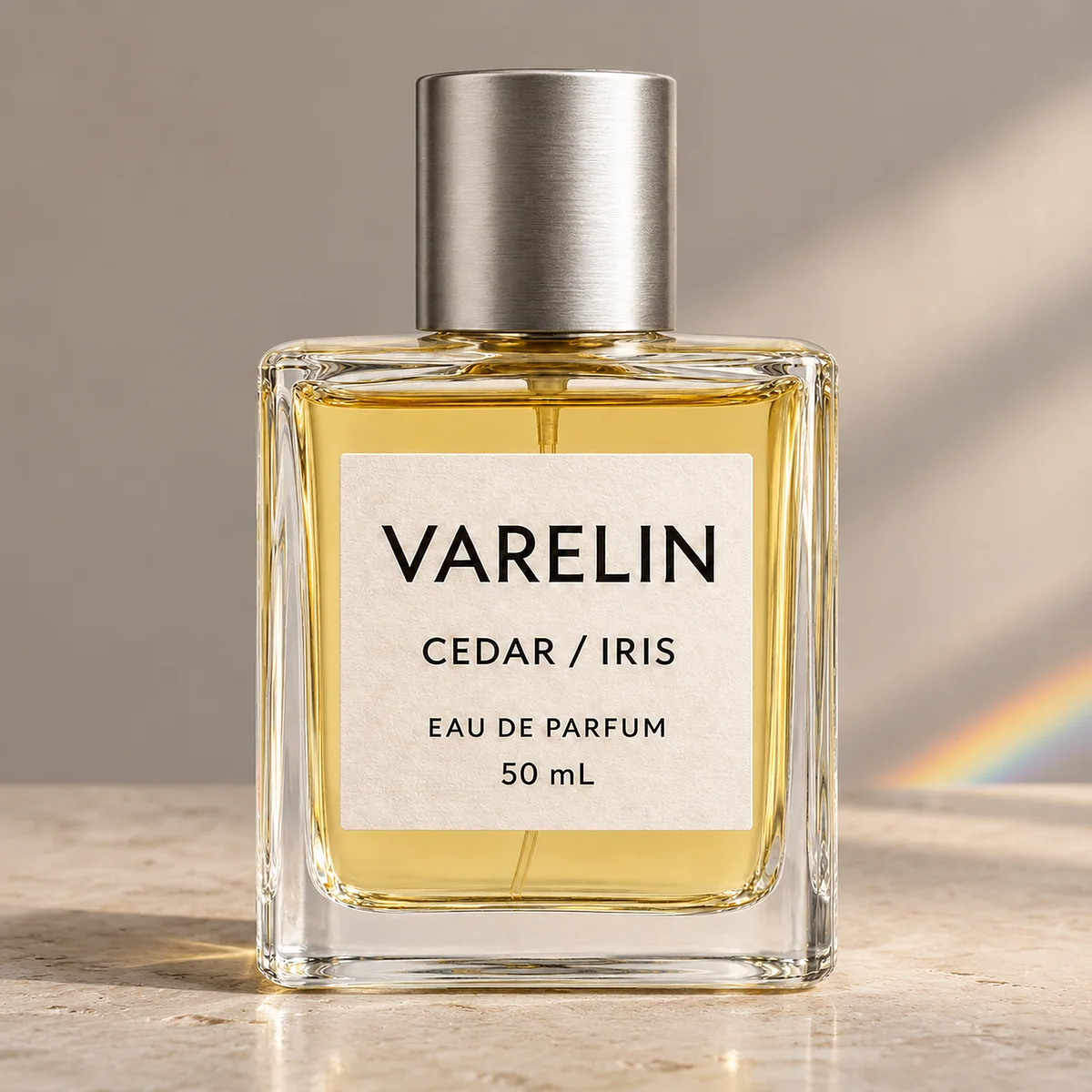
AI Product Photo Background Test: Did the Perfume Label Change?

Three 2K background edits in Mazee.ai kept the perfume label readable. Compare the source and outputs to see what changed on the print, cap, and glass.

Read the guide
Mazee.ai

クリエイティブツール

  • 画像
  • 動画
  • モデル
  • 価格とクレジット
  • 制作ガイド

ユースケース

  • AI eコマース
  • AI設計
  • AI ゲーム
  • AIフィルム
  • AIアート
  • AIショートドラマ

注目のモデル

  • MiniMax H3
  • Seedance
  • Seedream 5.0 Flash
  • GPT Image 2.5 Flare
  • Nano Banana 2
  • Seedance 2.5
  • Kling 3.0

サポートとポリシー

  • ヘルプ
  • サポートリクエスト
  • ポリシーとお問い合わせ
  • 利用に関するポリシー
  • プライバシーに関する通知
  • 利用規約について
  • 保管上の注意
  • メールサポート: support@mazee.ai

Mazee.aiは第三者のAIモデルを利用する独立したインターフェースです。モデル名は連携を示すものであり、開発元との提携や推奨を意味しません。