MiniMax H3 · 무료 AI 이미지 생성기 및 동영상 스튜디오 | Mazee.ai
콘텐츠로 건너뛰기
Mazee.ai
둘러보기모델요금도움말
로그인만들기 시작
메뉴
둘러보기모델요금도움말로그인

Mazee.ai

MiniMax H3로 동영상 만들기

MiniMax H3 또는 Seedance로 소리가 있는 짧은 동영상을 만드세요. 실제 예시를 살펴보거나 무료 이미지 생성부터 시작하세요.

지정된 모델로 AI 이미지를 무료로 생성하세요. Creator 또는 Pro 회원은 지정된 이미지 및 동영상 모델로 무제한 생성할 수 있습니다. 크레딧 기반 이미지 및 동영상 모델은 제작 크레딧을 사용합니다. 사용 가능한 모델과 설정은 요금제에 따라 달라집니다.

MiniMax H3무료 이미지 만들기템플릿 찾아보기스튜디오 오픈
상품 비주얼을 만드나요? 이 사례에서 시작하세요.
中文首页
MiniMax H3
Creator · Pro
무료 이미지 생성
Z-Image-Turbo · FLUX.2 klein 4B하루 6장

회원 무제한 생성
지정 이미지·동영상 모델
MiniMax H3
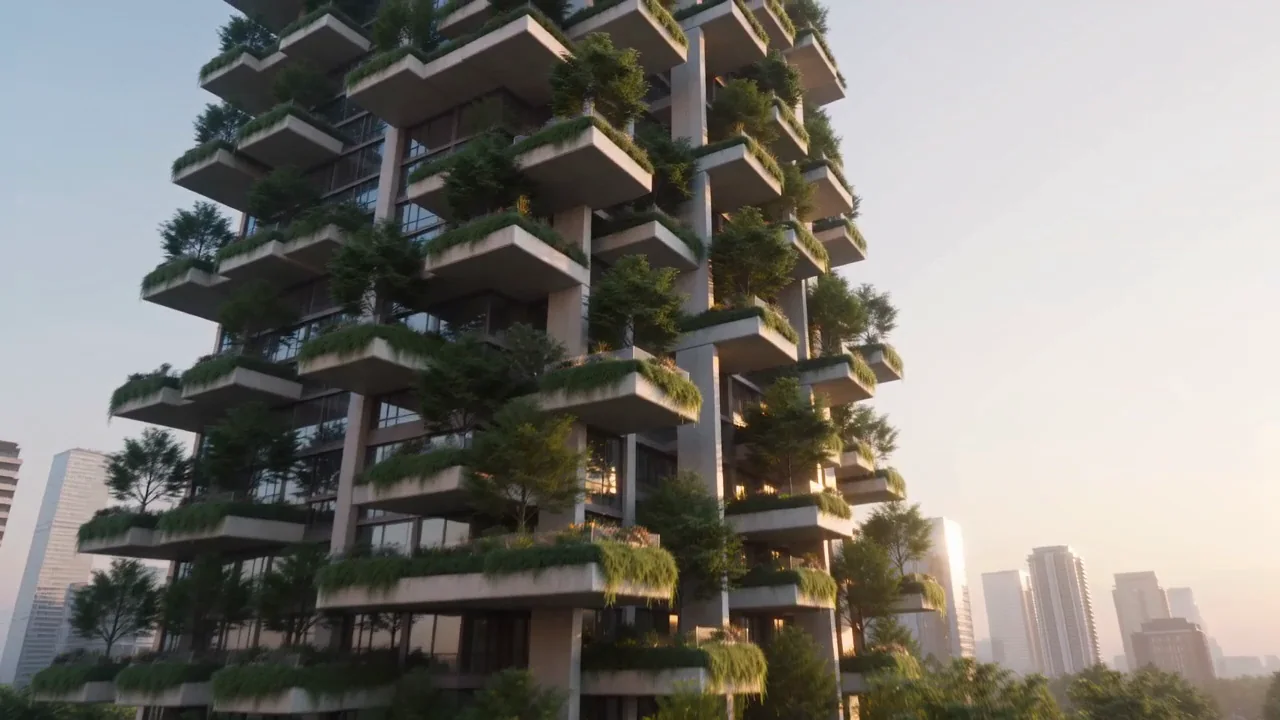
녹지로 뒤덮인 주거용 타워에 접근하는 항공 카메라
건축 브랜드 필름수직숲
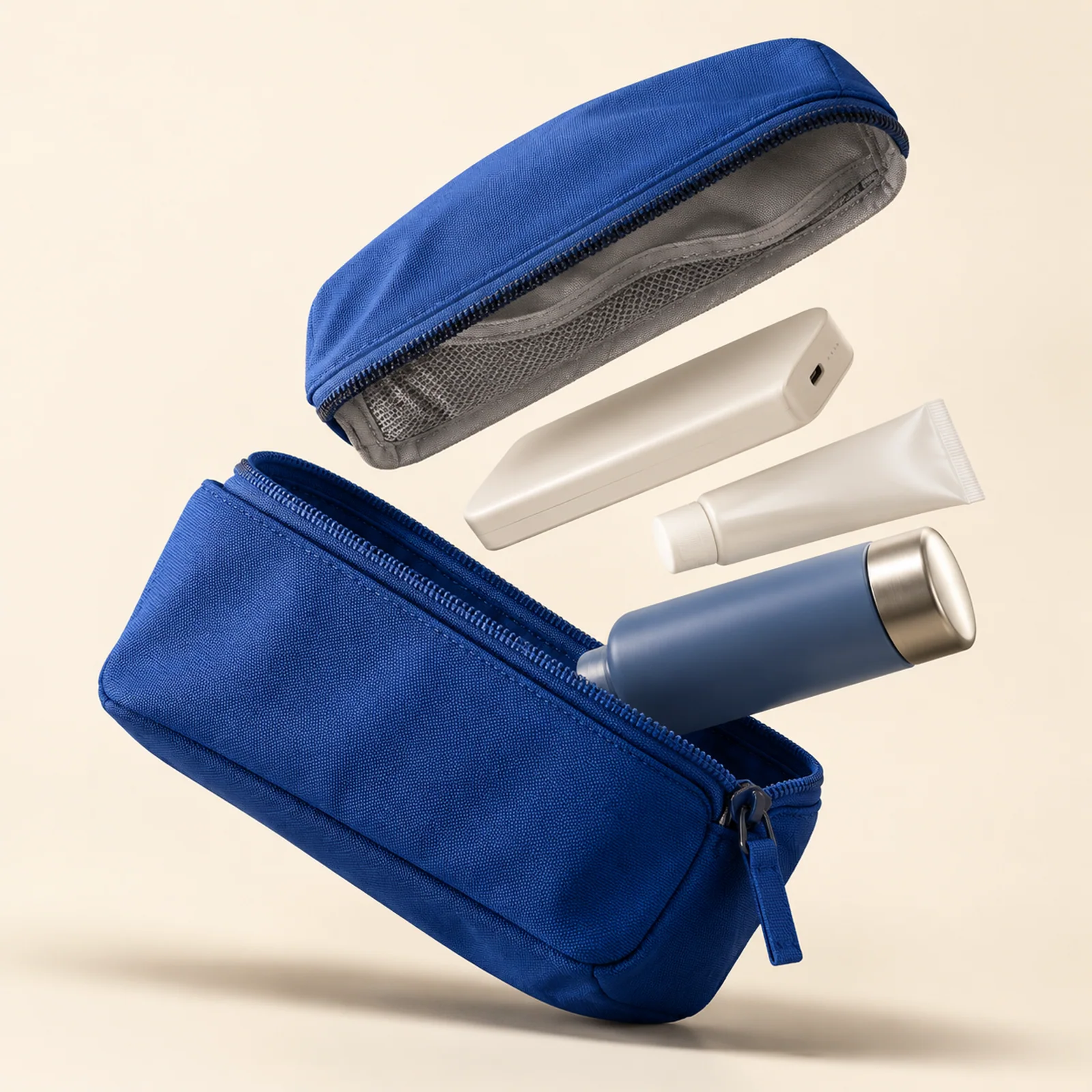
일상의 소지품을 펼치다
일상의 소지품을 펼치다
8초마다 새로운 쌍 생성

Create videos with MiniMax H3

Start with MiniMax H3 for member video creation, explore FastH3 for iteration, or choose Seedance for credit-based shots. Watch original clips before choosing a workflow.

MiniMax H3SeedanceAI video creation

바로 쓸 수 있는 프롬프트로 시작

캠페인, 커머스, 크리에이터 채널, 스토리 개발을 위해 선별되었습니다.

모든 템플릿 보기
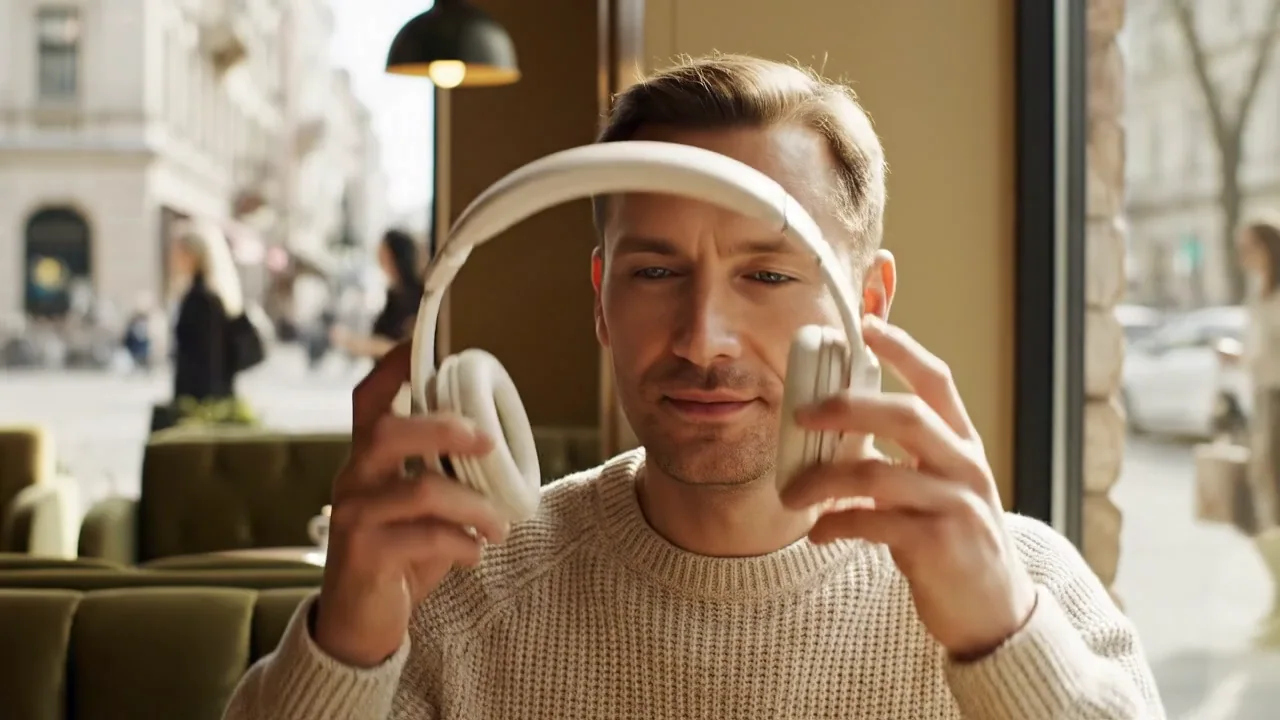
도시의 소리를 낮추다
01

AI 전자상거래

도시의 소리를 낮추다

Veo 3.1 Fast 사용

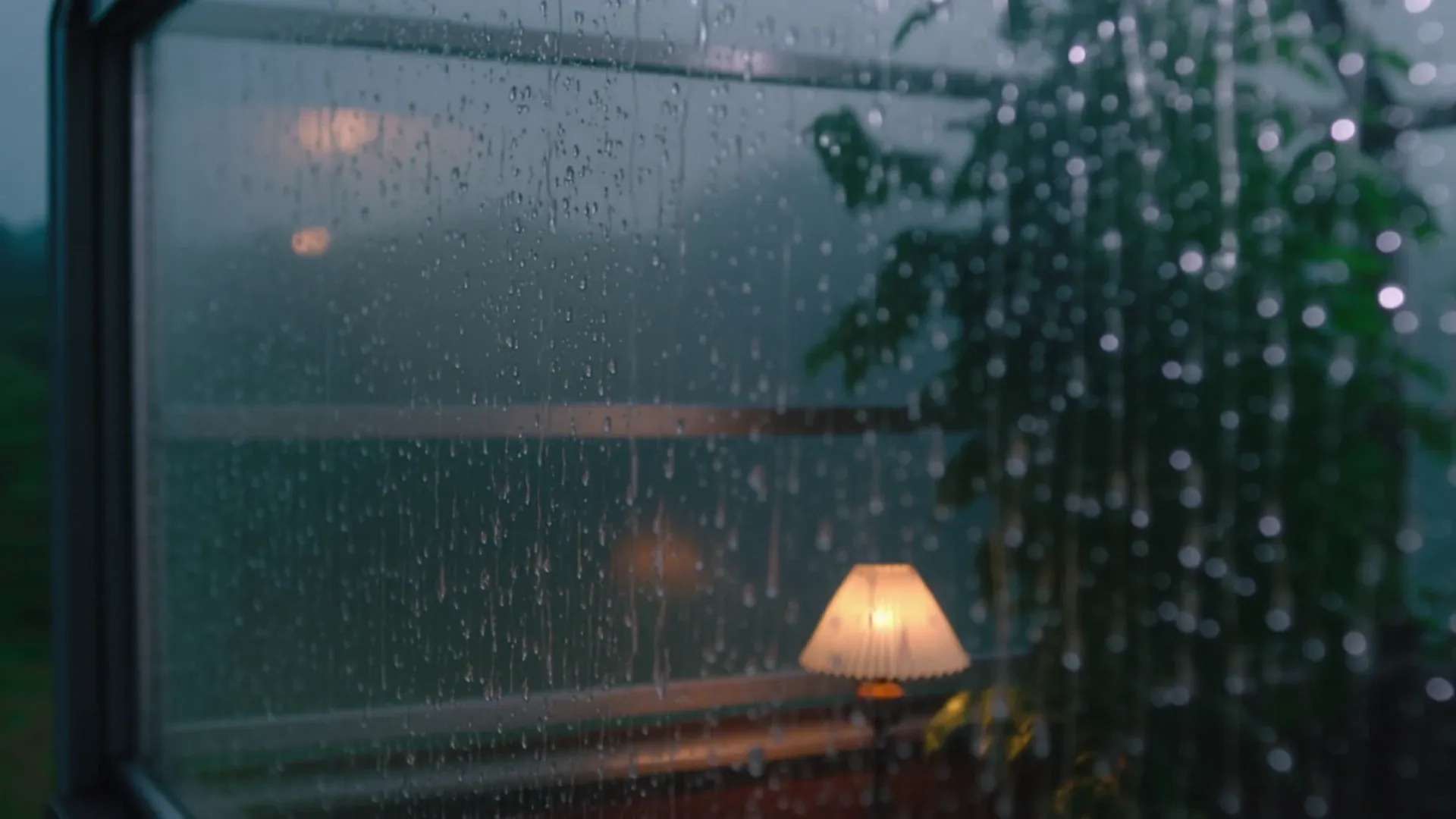
따뜻한 독서 공간을 배경으로 온실 유리 위를 빗방울이 흐릅니다.
02

AI필름

온실에 내리는 비

Kling 2.6 사용

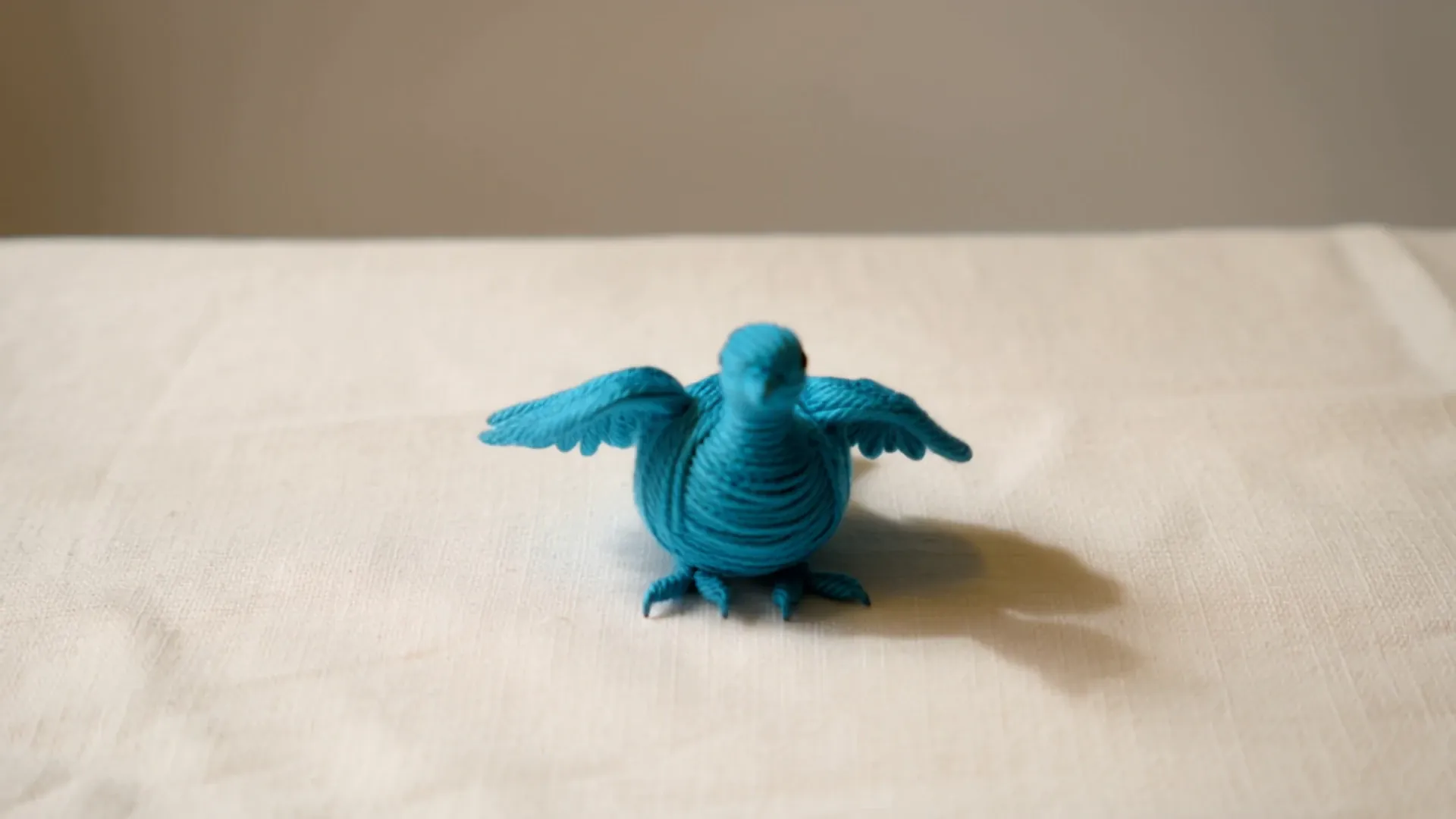
남색 실로 엮은 작은 새가 날개를 펼칩니다.
03

AI아트

직조 새의 깨어남

Kling 2.6 사용

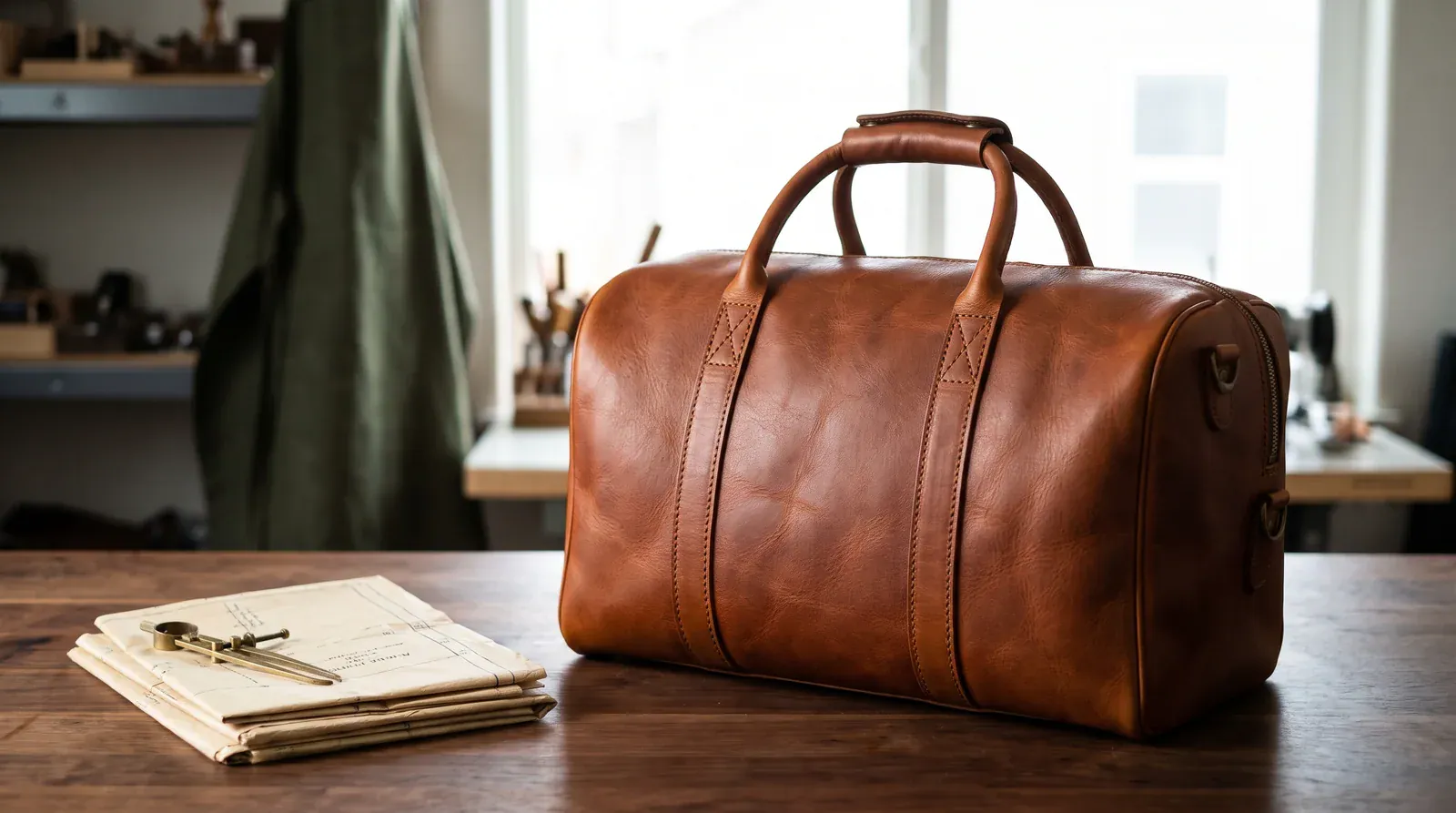
조용한 공방에 놓인 수제 여행 가방.
04

AI 전자상거래

가죽 공방의 작업대

Nano Banana Pro 사용

여섯 창작 분야를 위한 이미지와 동영상

일반적인 예로 돌아가거나 창의적인 개요를 재구성하지 않고도 분야를 전환할 수 있습니다.

AI 전자상거래

제품 세부 사항을 제품 욕구로 바꾸십시오.

스튜디오, 일상과 제품 시연 장면으로 소재와 기능을 사실적으로 표현하세요.

11
템플릿 미리보기
4
모션 미리보기
이 트랙 찾아보기
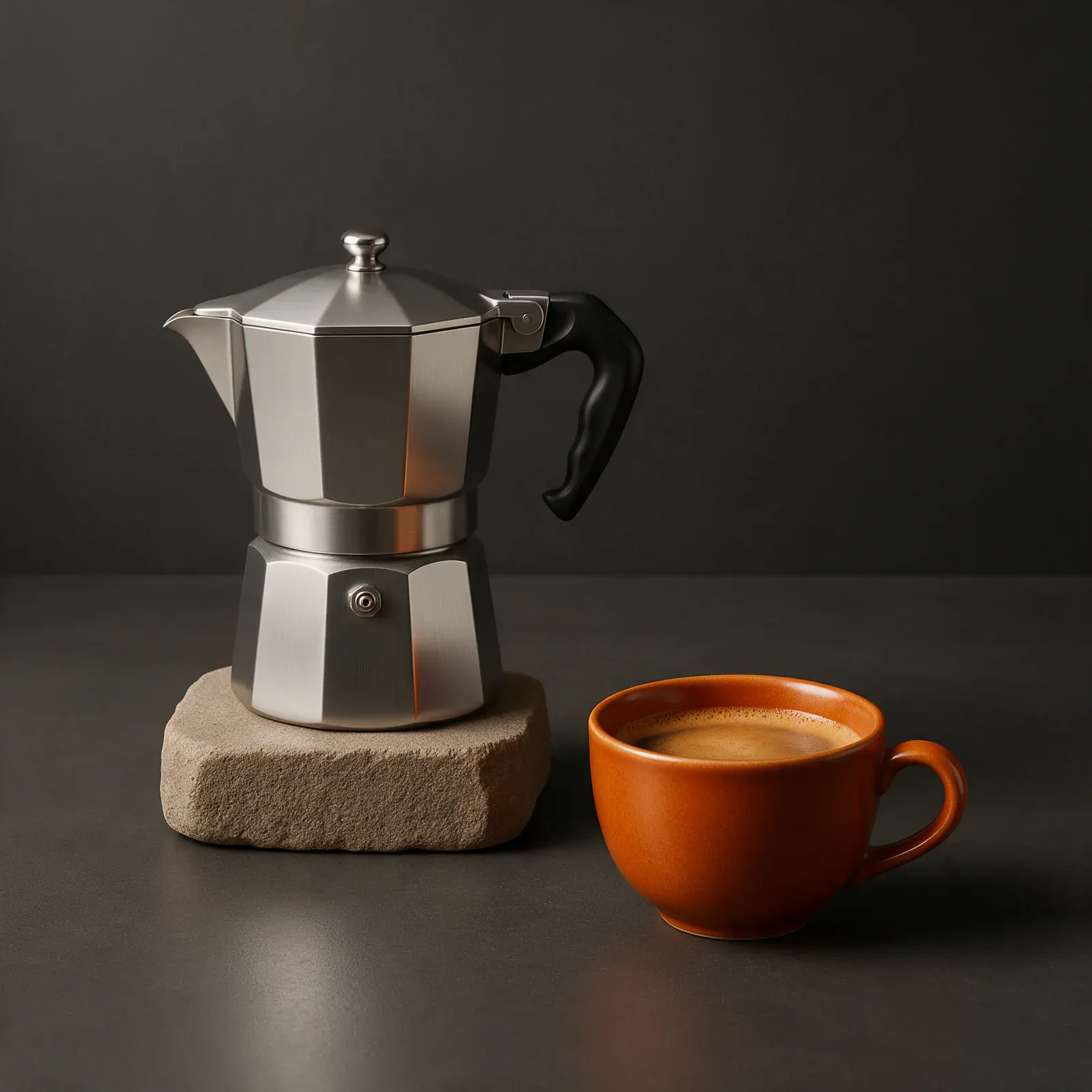
금속과 크레마의 정물
이미지금속과 크레마의 정물
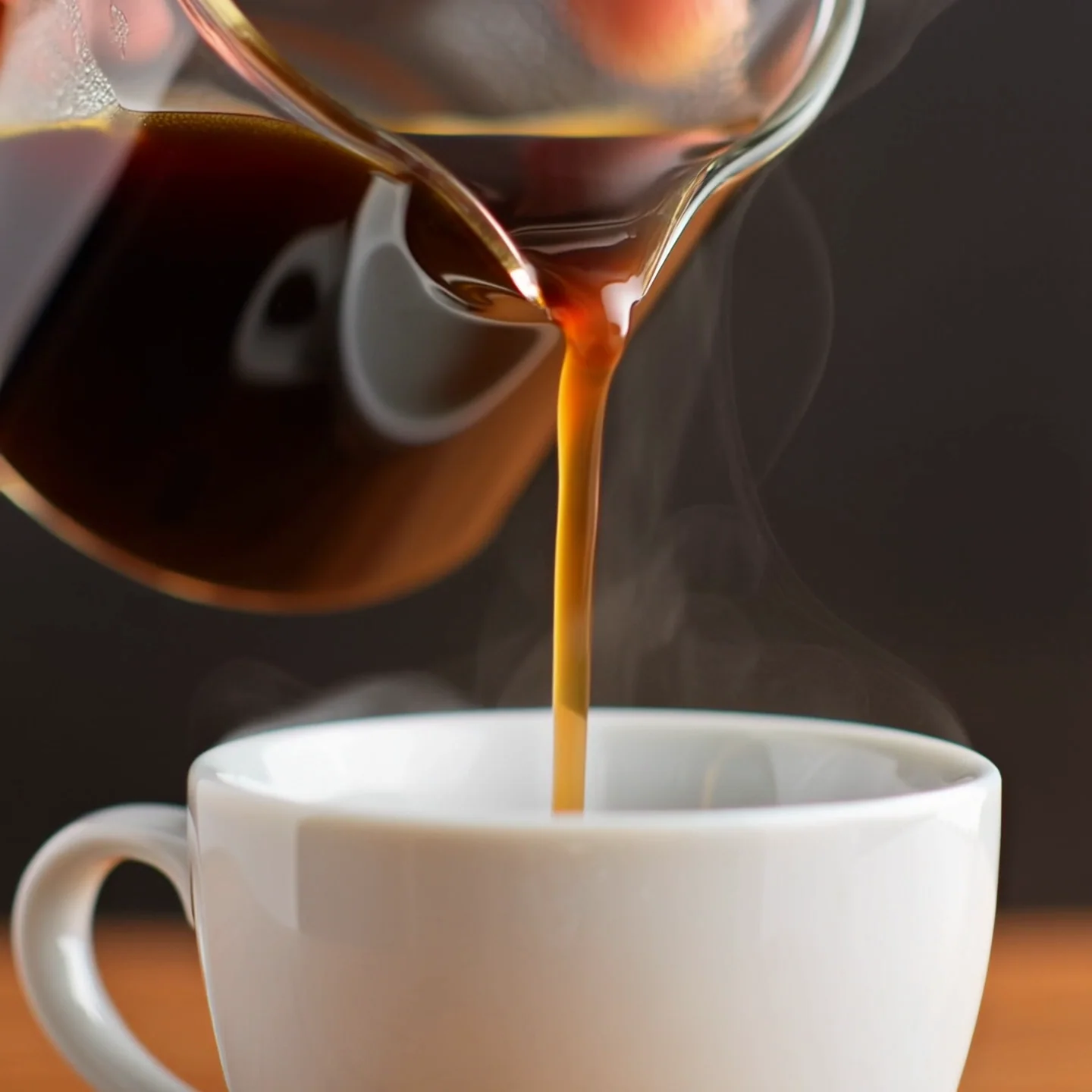
유리병에서 하얀 컵에 쏟아지는 신선한 커피
동영상브루잉 모션
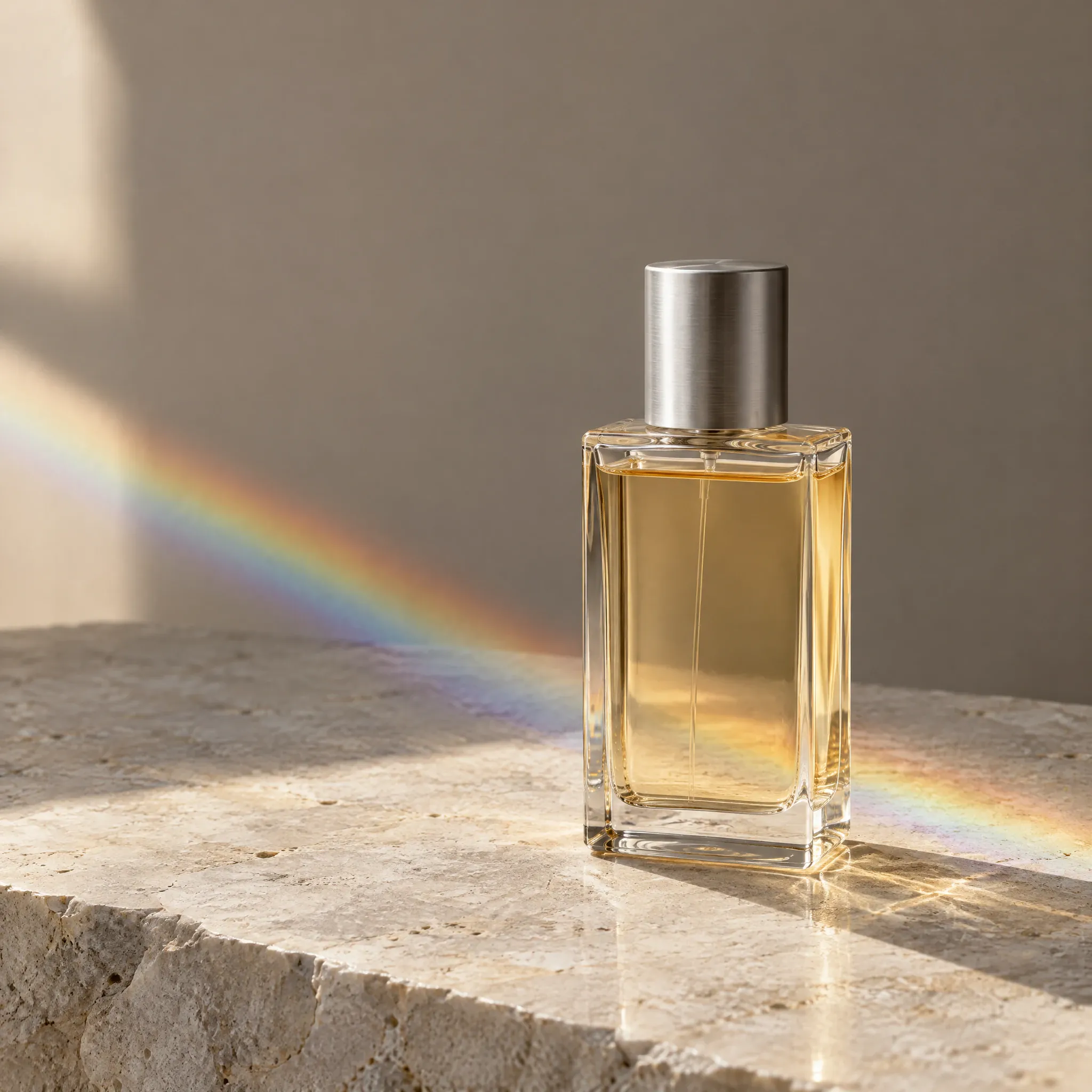
호박색 향수병이 밝은 돌 위에 프리즘 빛을 드리웁니다.
이미지프리즘 향수

프롬프트에서 이미지와 동영상으로

구조는 그 아래에서 모델과 매체가 변경되는 동안에도 친숙한 상태를 유지합니다.

  1. 01

    방향을 설정하세요

    템플릿에서 시작하거나 자신의 말로 시각적 개요를 작성하세요.

  2. 02

    적합한 모델을 선택하세요

    과대 광고가 아닌 기능을 기준으로 이미지와 비디오 모델을 비교합니다.

  3. 03

    처음부터 다시 시작하지 않고 다듬기

    작업이 진행됨에 따라 프롬프트, 참조 및 설정을 유지하세요.

이미지·동영상 모델 선택

포토리얼리즘, 일러스트레이션, 타이포그래피, 모션 또는 속도에 적합한 엔진을 사용하세요.

Mazee.ai는 타사 AI 모델을 위한 독립적인 인터페이스입니다. 모델명은 연동을 설명하며, 개발사와의 제휴나 개발사의 보증을 의미하지 않습니다.

이미지 GPT Image · FLUX · Seedream · Nano Banana

동영상 Veo · Kling · Seedance

모델 비교

How to create AI images and videos

Mazee.ai, also known as Mazee, is an AI image and video generator. Turn a text prompt or reference image into a new visual with a compatible model, then track and download your result in the same workspace.

How do I write prompts for an AI photo generator?

For text-to-image generation, describe the subject, setting, composition and lighting. Try an open blue travel pouch on an ivory tabletop, viewed from above in soft window light. Change one detail at a time to compare results. Our prompt examples show the images each prompt produced.

Explore prompts and templates

How do image-to-image and image-to-video generation work?

Use image-to-image to create a new image from a reference. With image-to-video, you can animate a first frame or use multiple reference images on supported models. Check the model’s input options before uploading and review the settings before generating.

Read the reference-image guide

What can an AI video generator use as input?

For text-to-video, describe the scene, the action and the camera movement. For video-to-video, choose a compatible model to edit a source clip or use it as a motion reference. Check the supported duration, aspect ratio and resolution before generating.

Compare image and video models

Do I need a subscription to start?

Starter and one-time credit packs are available without a subscription. Pricing lists the daily free image allowance, unlimited generation on designated membership models and the cost of models that use creation credits.

View pricing and availability

어떤 이미지 모델을 선택해야 하나요?

상품 이미지, 일러스트, 장면 등 용도부터 정하세요. 사용 가능한 모델, 참조 이미지 지원, 화면 비율, 예상 크레딧을 비교하세요. 지원되는 낮은 해상도로 구도를 탐색하고 결과를 검토한 뒤 비용을 더 쓰세요. 가격이나 해상도가 높아도 더 좋은 이미지가 보장되지는 않습니다.

이미지 및 동영상 모델 비교

작업이 실패하거나 취소되면 크레딧을 잃나요?

제출 전 대기 작업을 취소하거나 실패가 확정되면 예약된 크레딧이 원래 유효기간을 유지한 채 해제됩니다. 결과가 불확실하면 다시 시도하기 전에 원래 작업을 확인하세요. 페이지를 떠나도 작업은 취소되지 않습니다. 크레딧 해제는 현금 환불과 다릅니다.

크레딧, 대기 및 취소
자주 묻는 질문 모두 보기

무료 이미지 생성 · 하루 6장

이미지와 동영상을 하나의 작업 공간에서.

무료 이미지 만들기

Tested AI image prompts

  • AI product photo prompt: exploded-view travel pouch
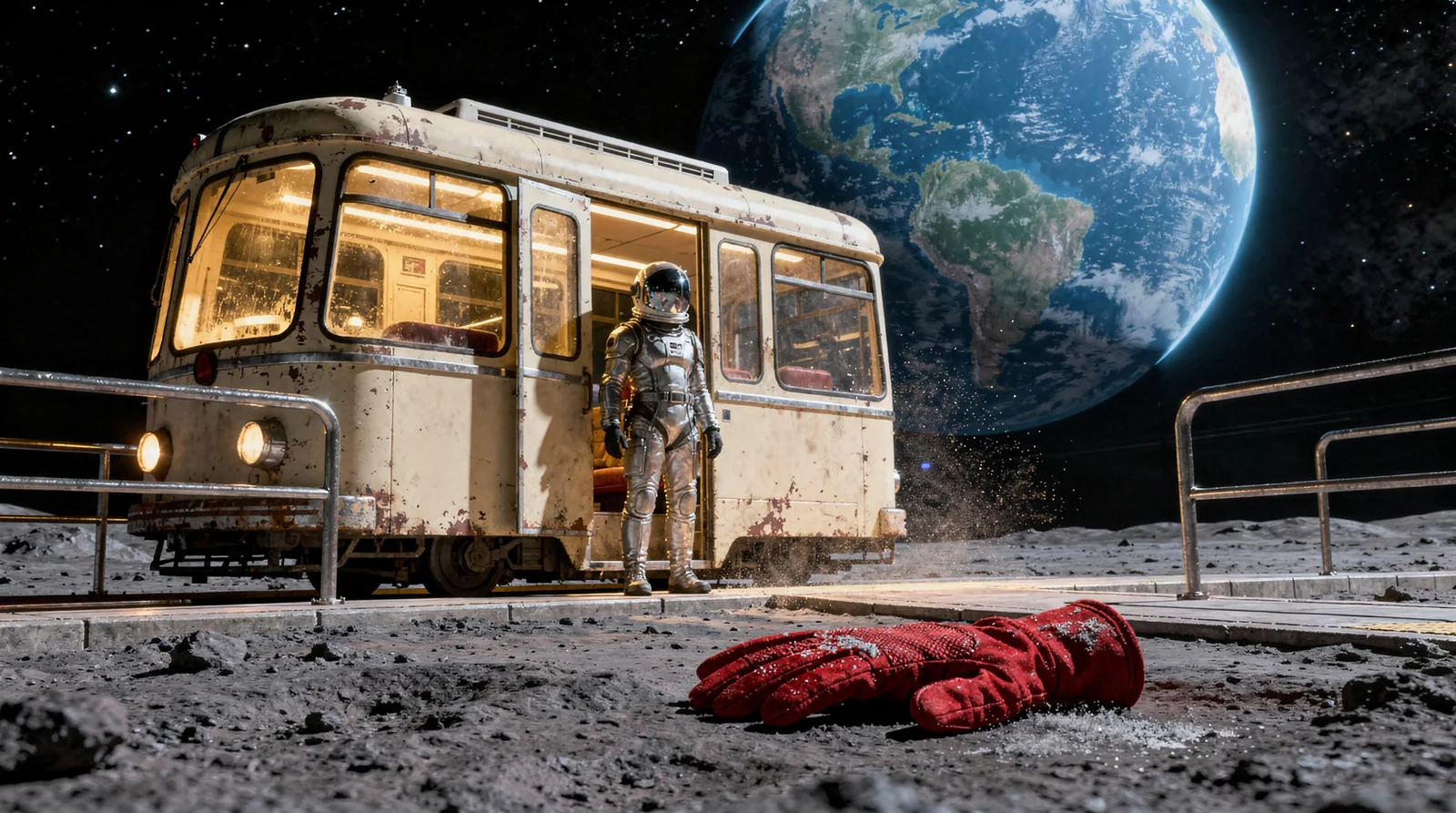
  • AI sci-fi art prompt: a tram on the Moon
  • AI environment art prompt: an orbital seed library

Practical image guides

View all guides

Plan Black Friday Product Images with AI

Plan Black Friday product images with an AI-generated pouch example. Set the product layout and room for sale copy, then check what needs a real photo.

Read the guide

Make AI Cover Images That Still Make Sense on a Phone

Check an AI cover image at phone size. Use the lunar tram example to test composition, title space and differences between the prompt and the result.

Read the guide

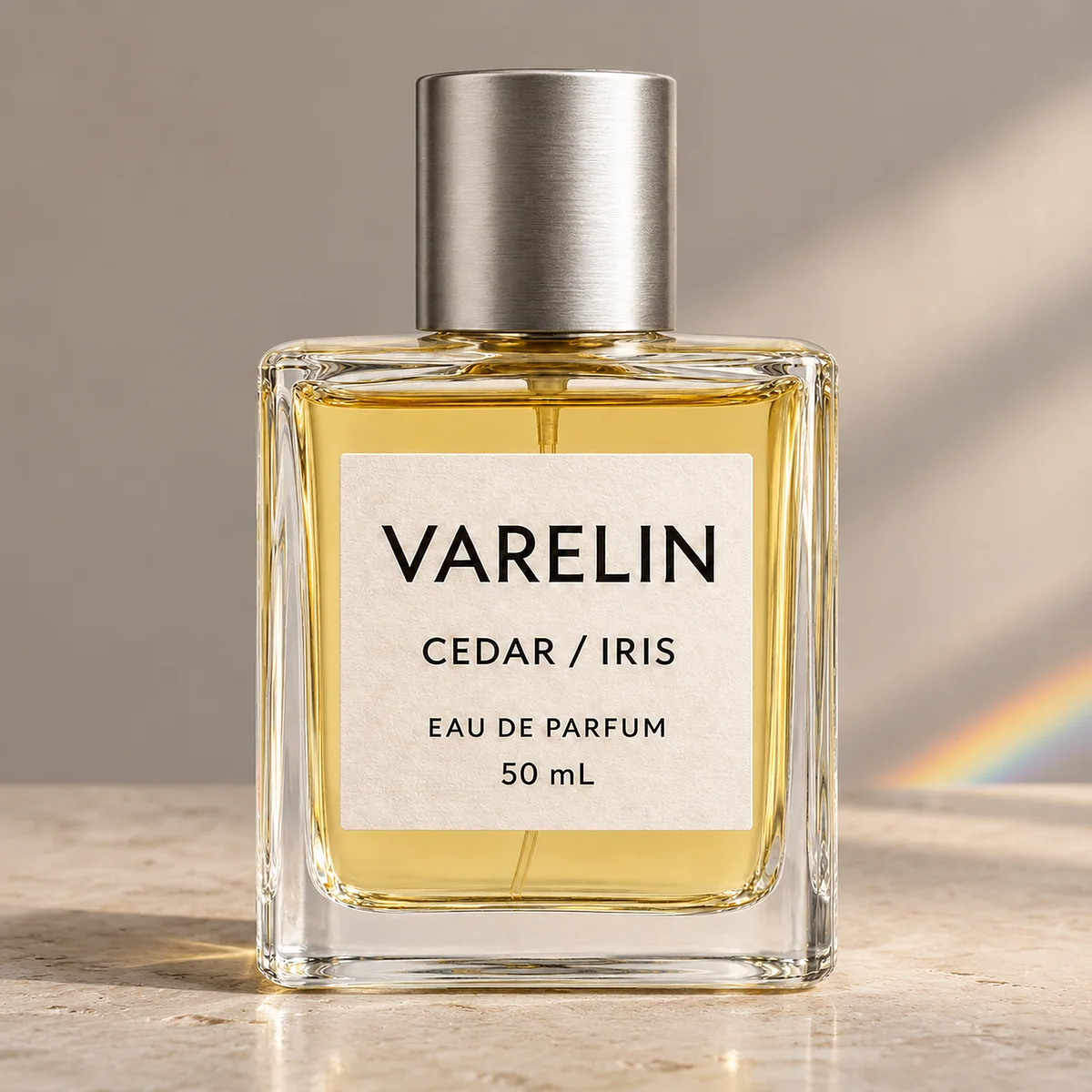
AI Product Photo Background Test: Did the Perfume Label Change?

Three 2K background edits in Mazee.ai kept the perfume label readable. Compare the source and outputs to see what changed on the print, cap, and glass.

Read the guide
Mazee.ai

창의적인 도구

  • 이미지
  • 동영상
  • 모델
  • 가격 및 크레딧
  • 제작 가이드

사용 사례

  • AI 전자상거래
  • AI 디자인
  • AI 게임
  • AI필름
  • AI아트
  • AI 단편드라마

주요 모델

  • MiniMax H3
  • Seedance
  • Seedream 5.0 Flash
  • GPT Image 2.5 Flare
  • Nano Banana 2
  • Seedance 2.5
  • Kling 3.0

지원 및 정책

  • 도움말
  • 지원 요청
  • 정책 및 연락처
  • 허용되는 사용 정책
  • 개인정보 보호정책
  • 서비스 이용약관 안내
  • 보관 주의사항
  • 이메일 고객지원: support@mazee.ai

Mazee.ai는 타사 AI 모델을 위한 독립적인 인터페이스입니다. 모델명은 연동을 설명하며, 개발사와의 제휴나 개발사의 보증을 의미하지 않습니다.